
Finding document management software that protects sensitive files while supporting strict privacy and compliance requirements can be challenging. Organizations must balance security, deployment preferences, collaboration features, and regulatory obligations when choosing a solution. This comparison evaluates five document management platforms based on pricing, deployment model, security features, and document management capabilities to help legal, healthcare, financial, and other compliance-focused teams identify the solution that best fits their operational and security requirements.
Table of Contents
LawtonPDF
At a Glance
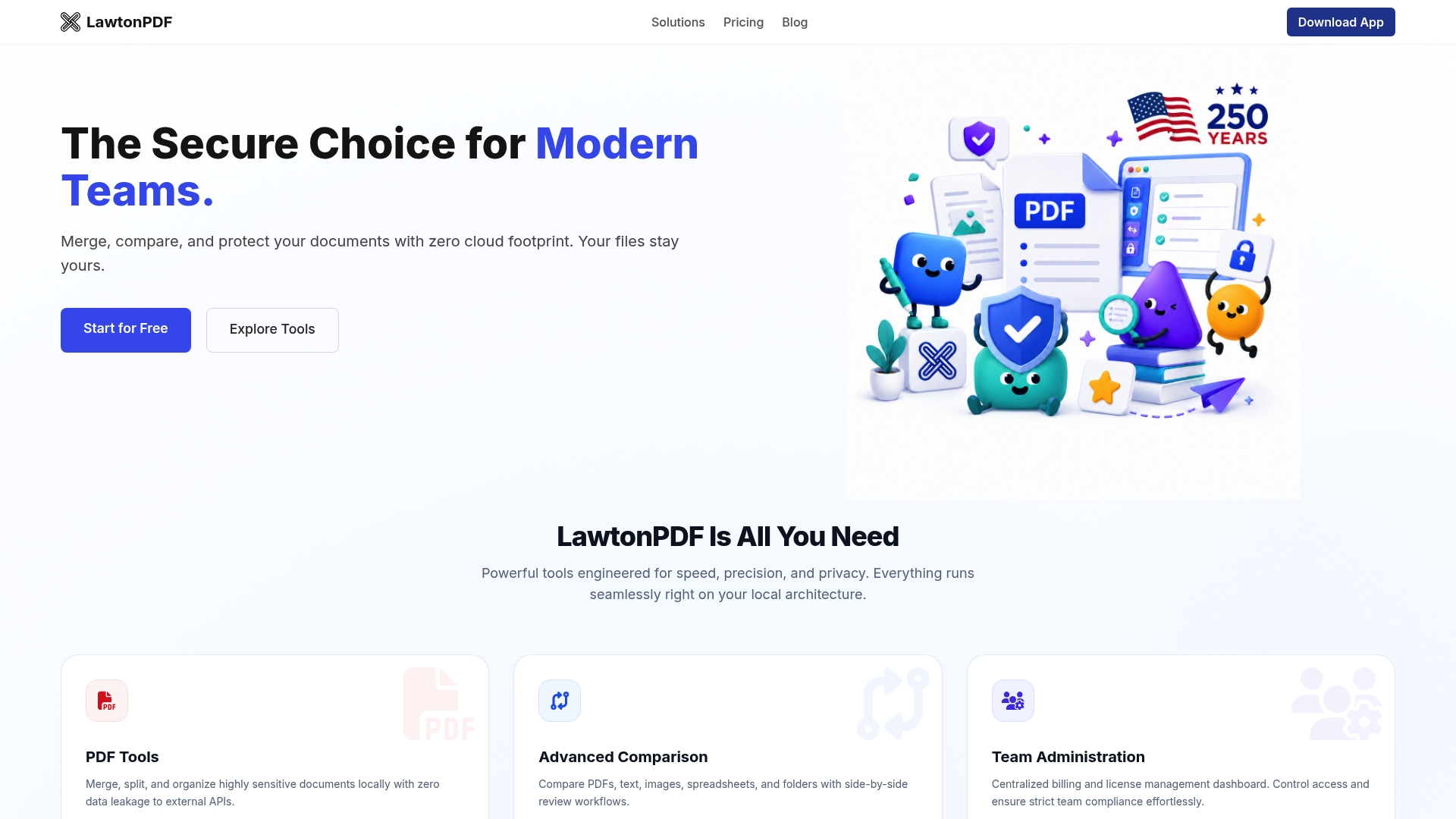
All file processing runs on local hardware, so files never leave your device. That local only design removes external API calls and reduces the risk of data leakage. LawtonPDF focuses on legal, finance, healthcare, and research teams that handle confidential documents.
Core Features
Local processing keeps merging, split, and page organization tasks on your hardware rather than in a remote service. The app compares PDFs, text, images, spreadsheets, and folders side by side, and it supports password protect and unlock workflows with strong encryption. Centralized team administration covers billing, access control, and license management to help IT enforce policy.
Key Differentiator
Executes all processing locally to eliminate data leaks and improve security while providing comprehensive PDF management tools. That single design choice removes external API dependencies and keeps sensitive files within your network boundary. For teams that must avoid cloud processing, this architecture changes how compliance and risk are managed.
Pros
-
Processes documents locally without requiring cloud uploads.
-
Supports comparison of PDFs, text, images, spreadsheets, and folders.
-
Includes centralized team licensing and administration.
-
Works offline, making it suitable for secure or restricted environments.
Cons
-
Requires installation on local Windows computers.
-
Does not provide browser-based access like cloud document management platforms.
Who It’s For
You should consider LawtonPDF if your organization handles regulated or highly confidential documents and cannot rely on external APIs for processing. It fits legal teams comparing contracts, finance groups managing ledger exports, and healthcare or research groups that must keep PHI or proprietary data on premise. Buyers who need real time cloud collaboration will want a different tool.
Unique Value Proposition
Processes and stores data only on local machines, so your compliance footprint shrinks and audit trails remain internal. That design lowers exposure to external attack vectors and reduces contractual complexity with cloud vendors. For teams that need strict custody of documents, this translates to fewer third party approvals and clearer internal governance.
Real World Use Case
A mid sized law firm uses LawtonPDF to compare contract drafts and spot textual and visual differences across versions. Paralegals reorganize case file PDFs on local servers, and administrators enforce role based access and centralized billing. The firm avoids sending any case files to cloud services while improving review throughput.
Pricing
LawtonPDF offers a Free plan for individuals who want to explore its core PDF tools and document comparison features. Paid plans start at $19 per user/month for Plus and $25 per user/month for Business (annual billing), adding features such as unlimited usage, centralized team management, and priority support. This tiered pricing allows both individual professionals and organizations to choose a plan that fits their workflow and collaboration needs.
Website: https://lawtonpdf.com
Folderit
At a Glance
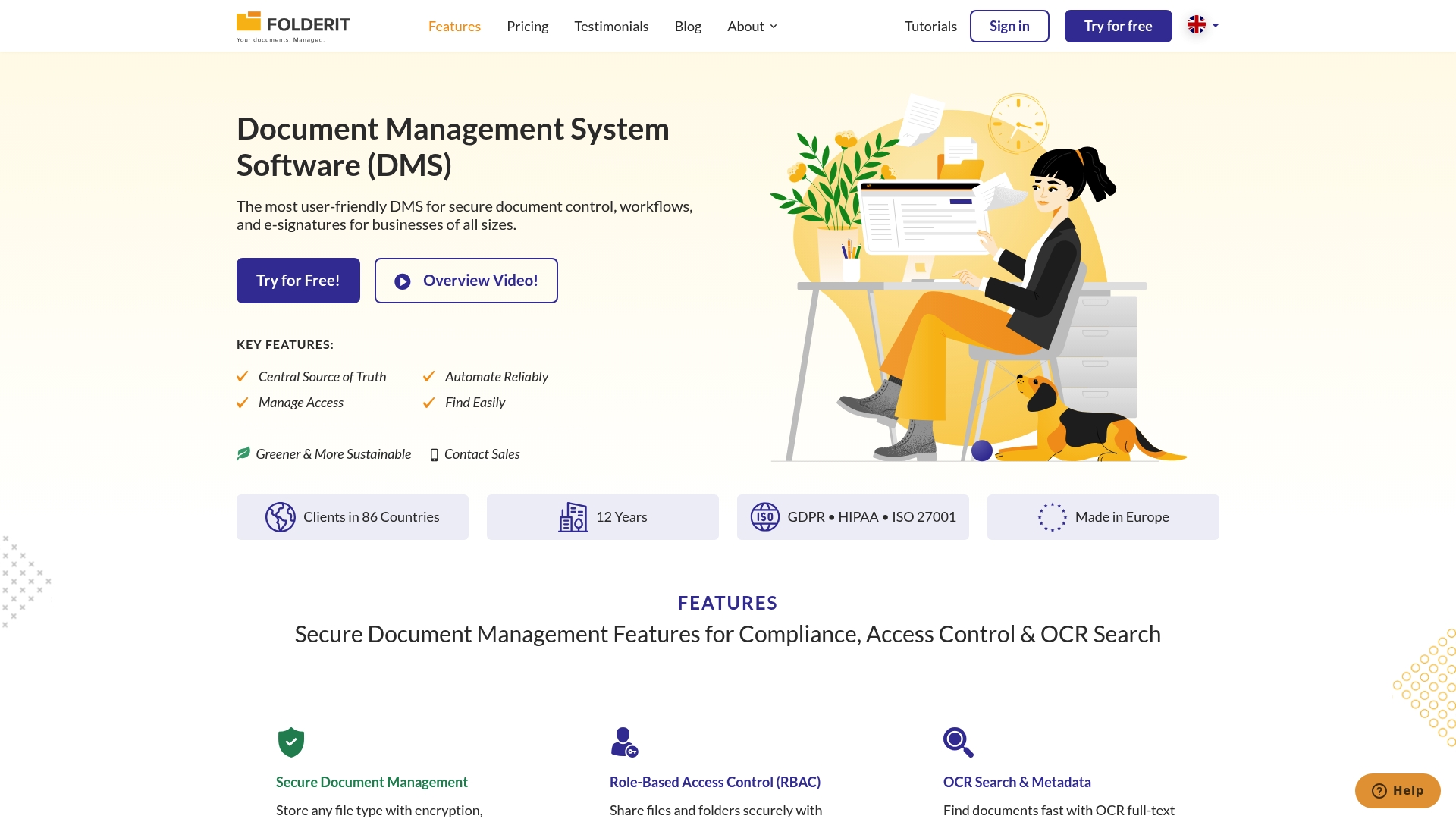
Folderit secures documents with 256 bit encryption and supports two factor authentication for access control. The vendor reports support for GDPR, HIPAA, and ISO standards. Users note a generous trial period and stable performance during routine file handling.
Core Features
Folderit centralizes files as a Central Source of Truth while offering folder level permissions and audit trails. The platform handles automated workflows and approvals and includes electronic signature capabilities for contract signing. The search and indexing features speed retrieval, and shared storage and granular permissions scale with plan level.
Key Differentiator
Folderit pairs a straightforward user interface with enforced security controls to fit regulated teams. The vendor reports compliance coverage for ISO, GDPR, HIPAA, which is reflected in access controls and encryption options. Built in integrations connect document workflows with common office tools to reduce manual file transfers.
Pros
The interface makes collaboration clear and reduces misfiled documents for teams that need simple access control. Security features lock down sensitive files and the permission model supports role based administration across departments. Pricing tiers scale from small groups to larger teams, and customers praise the trial period and consistent uptime for daily document work.
Cons
-
Deep customization can be complex and may require training. This raises initial project costs for bespoke setups.
-
The setup process can be time consuming for larger organizations. Expect extra configuration time for advanced permission models.
-
Support issues have been reported sporadically. Response quality may vary by region and plan.
When It May Not Fit
If your team needs heavy preconfigured templates or rapid deployment, Folderit may slow projects during onboarding. Organizations that require out of the box, highly tailored customizations will face a learning curve. If immediate, hands off setup is required, consider alternatives with faster turnkey deployment.
Notable Integrations
-
Microsoft Office 365 for document editing and collaboration
-
Outlook Add-in for sending and filing attachments
-
DocuSign API for e signature workflows
Who It’s For
Folderit suits businesses that require secure, compliant document management and manual workflow control. It fits legal, finance, healthcare, and research teams that must track access and maintain audit trails. Smaller teams can start on lower tiers and scale as their governance needs grow.
Real World Use Case
A mid sized law firm uses Folderit to store client files, manage user permissions by matter, and automate signature routing for contracts. The firm applies audit logs to meet compliance checks and keeps sensitive records encrypted while lawyers work remotely. That setup shortens approval cycles and centralizes case documentation.
Pricing
Folderit uses tiered subscriptions. Mini starts at $55/month for 5 users. Medium is $97/month for 10 users. Tailor begins at $129/month for scalable needs and adds workflows, integrations, granular permissions, and API access.
Website: https://folderit.com
Docupile
At a Glance
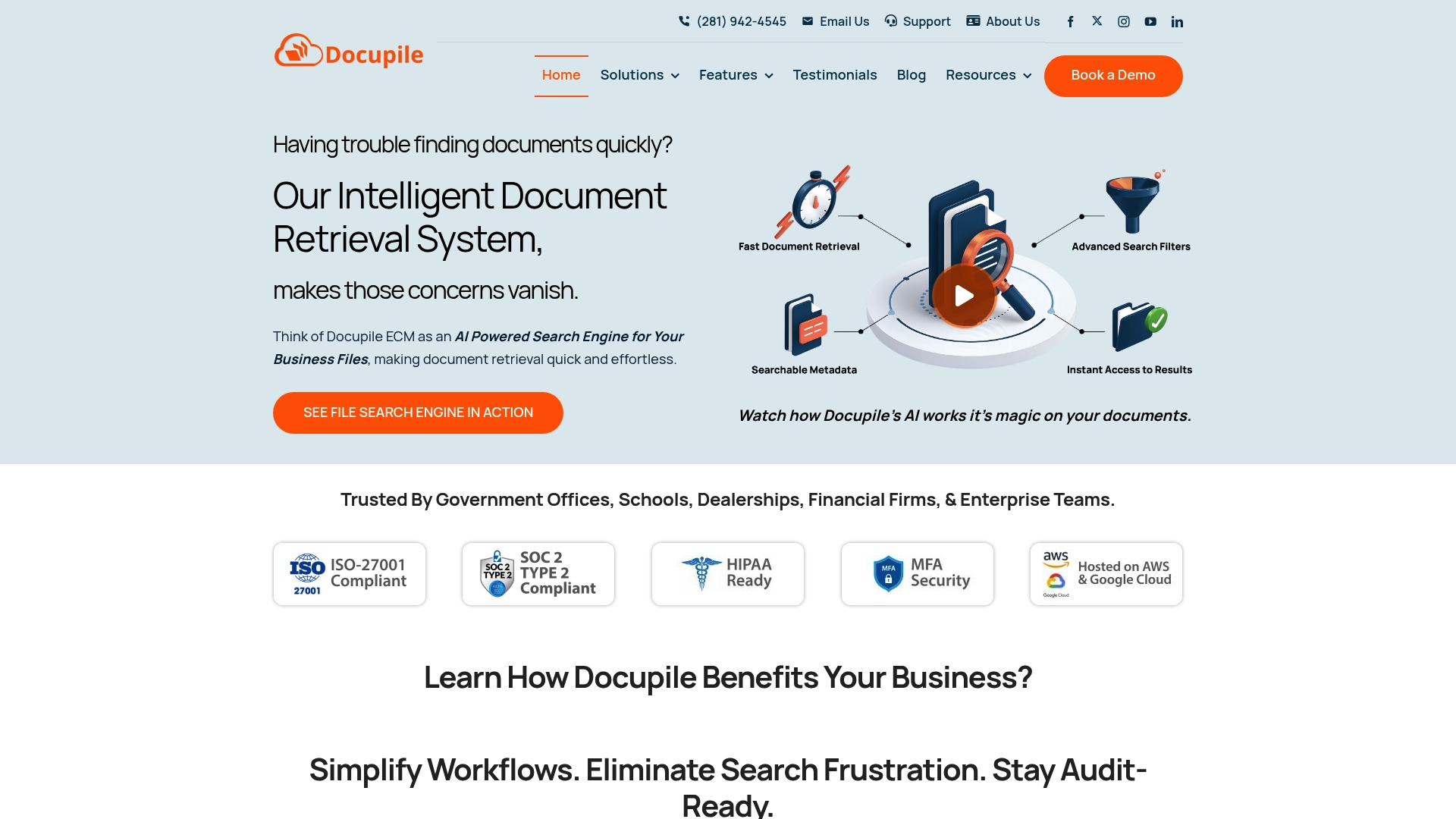
Docupile automates filing, tagging, and search using an AI layer that reduces manual document handling. The vendor says the system supports searches by keyword, metadata, VIN, and invoice number. That scope makes it suited to high-volume environments with regulatory needs.
Core Features
Docupile combines an AI-powered document search engine with automatic file categorization and metadata-based organization to keep large stores of files findable. It includes OCR for scanned documents and built-in version control to track edits and avoid confusion over the latest copy. Customizable workflows allow administrators to map document routes and approvals to internal processes.
Key Differentiator
Docupile’s single standout is its AI layer that automates tagging and filing, so staff spend less time on manual indexing. The vendor positions this as a way to cut repetitive work and speed retrieval. That automated organization is most valuable when document volumes and metadata complexity exceed what manual rules can handle.
Pros
Docupile speeds retrieval for teams that need quick access to records by keyword, VIN, invoice number, or metadata. The product offers secure cloud hosting with encryption and multi-factor authentication to protect sensitive files. Administrators get customizable workflows and scalable storage, which makes the system adaptable as document volume grows.
Cons
-
Limited publicly available third-party reviews, which may make independent evaluation harder for new buyers.
-
Performance and indexing behavior can vary by deployment because customization and implementation affect results.
-
Initial configuration and staff training are required to get full value from automated tagging and workflows.
When It May Not Fit
Docupile may not be the right choice for very small teams that need a plug-and-play folder view and no setup. It may disappoint organizations that demand extensive independent third-party validation before purchase. If you cannot allocate time for configuration or user training, the platform will likely feel heavy.
Notable Integrations
Docupile connects with common productivity and storage systems. Integrations listed by the vendor include Microsoft Office, Google Drive, Dropbox, email systems, and enterprise systems. Those connectors support importing, syncing, and linking documents to existing repositories.
Who It’s For
Docupile fits large organizations or departments that handle high document volumes and require strict access controls. Compliance-driven teams in government, finance, or regulated industries gain the most from automated tagging and audit trails. IT and records teams that can manage an initial rollout will extract the most value.
Real World Use Case
A government agency centralized licensing and permit records with Docupile and automated retrieval by permit number and metadata. The system cut manual lookup time and created clearer audit trails for compliance reviews. Staff still needed training to map workflows to existing approval steps.
Pricing
Not applicable — informational only. The vendor presents Docupile as an enterprise content management solution, and pricing appears to be available through direct sales and quotes rather than a public tiered list.
Website: https://docupile.com
Edito PDF Management Suite
At a Glance
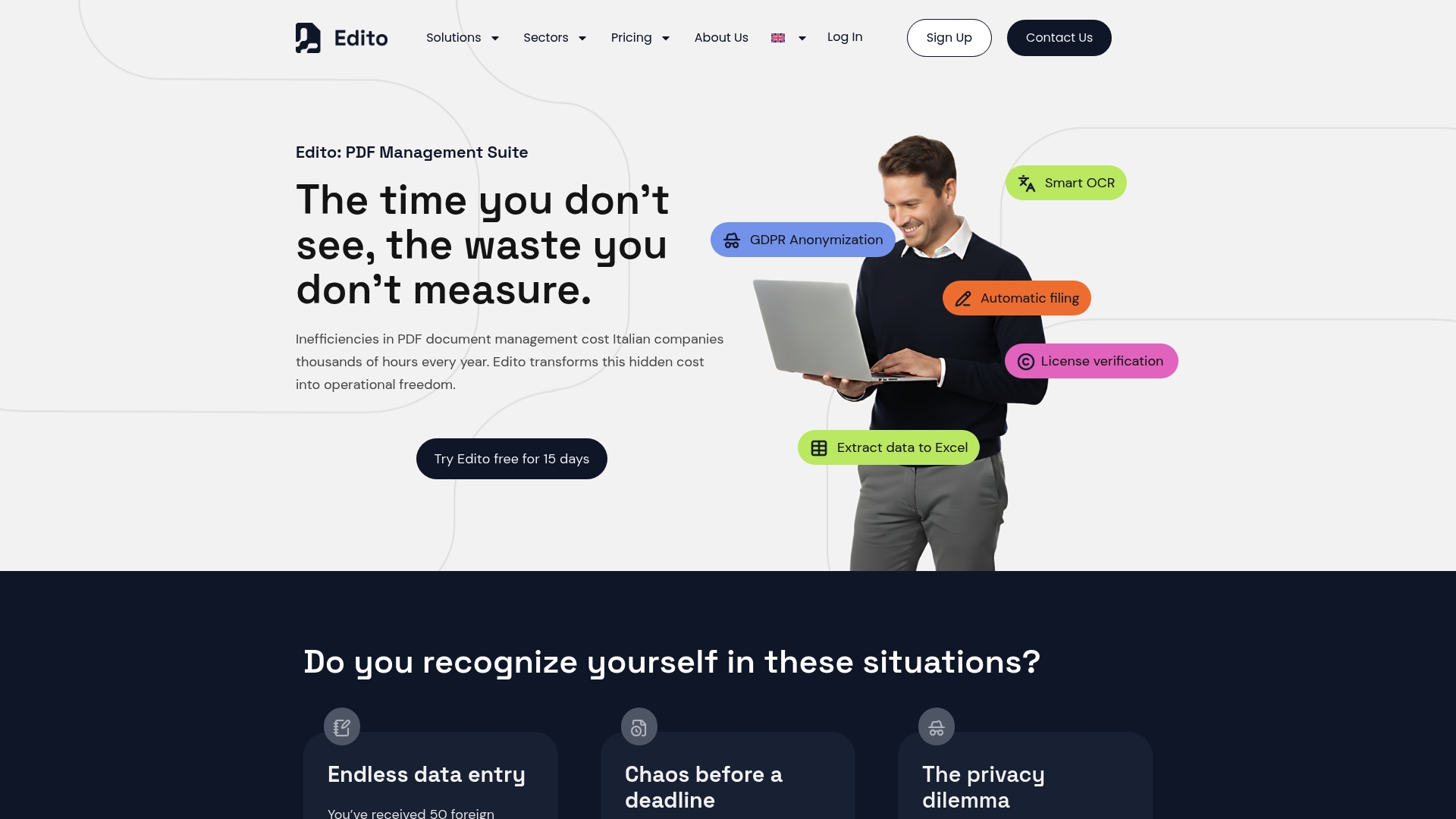
Offers a 15 day free trial so teams can run full PDF processing on real sample workflows. The suite targets Italian organizations that handle regulated information in legal, banking, healthcare, and government. It emphasizes inside document control, anonymization, and automated filing for compliance workflows.
Core Features
Edito combines Smart OCR with extraction tools that export data to Word and Excel while retaining original formatting. The platform includes GDPR-compliant anonymization, automated filing and document archiving workflows, and license usage and rights verification. These modules work together to reduce manual data entry and to flag licensing issues during review.
Key Differentiator
Edito claims deep inside document understanding that lets it operate on content rather than on file wrappers. That inside-document control focuses on security, redaction, and rule driven automation for regulated workflows. The result is a narrower feature set aimed at compliance and data protection rather than general consumer PDF editing.
Pros
The interface is simple and focused, and reviewers report fast document processing with strong retention of original layout and formatting. The suite groups OCR, anonymization, workflow automation, and license verification into modular components you can combine per project. Its sector focus makes feature choices convenient for teams that must track compliance and content rights.
Cons
-
Users report hidden subscription charges and difficulty canceling subscriptions, which creates billing friction for procurement teams.
-
Customer support responsiveness appears inconsistent, with complaints about slow replies and unresolved billing issues.
-
Public information offers limited detail on how deep workflow customization and advanced integrations really go.
When It May Not Fit
Edito may not fit organizations that need highly bespoke document processing beyond core automation tasks. Teams that expect rapid, reliable vendor support or predictable billing might find support and cancellation reports concerning. If your workflows require heavy customization or an open integration ecosystem, this suite could feel limiting.
Who It’s For
Organizations handling large volumes of sensitive PDF documents that require automation, redaction, and compliance checks will benefit most. Legal firms, public administration, healthcare providers, and finance teams with regulatory obligations match its design intent. Smaller teams with light editing needs may find it too specialized.
Real World Use Case
A law firm runs discovery batches through Edito to automatically redact client identifiers and extract exhibit tables into Excel. The system flags embedded images for license verification as part of the same workflow. Lawyers get redacted PDFs and structured data for review with minimal manual cleanup.
Pricing
Pricing is not specified on the vendor site. The product appears to use subscription pricing and a free 15 day trial is available to test features. There are multiple reports of billing and cancellation difficulties from users.
Website: https://edito-pdf.com
DocPlace
At a Glance
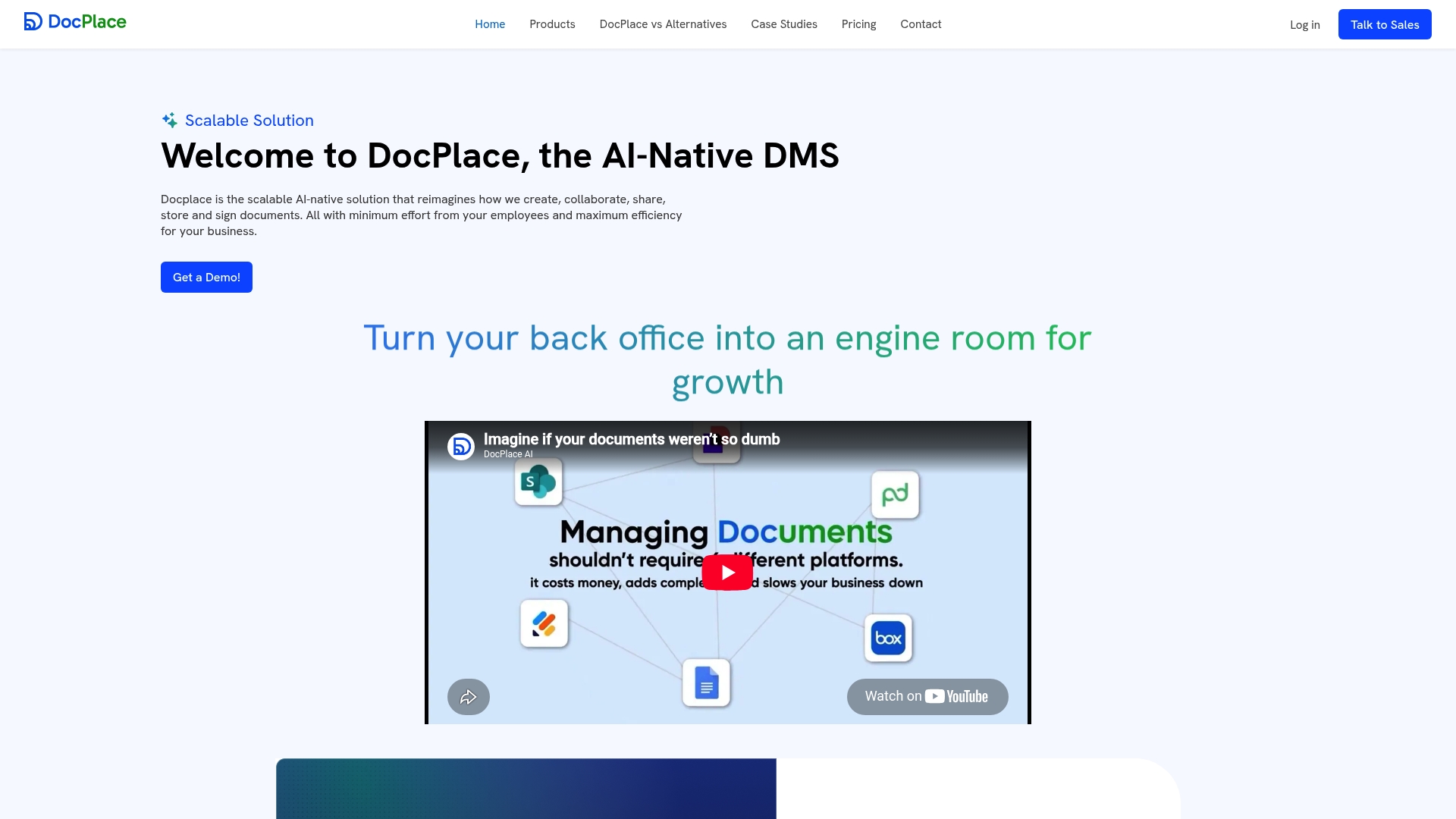
The vendor advertises an AI-native approach that auto-sorts files, applies tags, answers natural-language questions about document content, and includes built-in eSignature with on-premises deployment options. That combination targets organizations that must keep processing local while adding search and signing. The claim frames DocPlace as a single system for classification, retrieval, approval, and storage.
Core Features
DocPlace auto-sorts incoming documents and generates metadata to reduce manual filing. It offers meaning-based search with question answering so you can find facts inside files without reading every page. The product also bundles built-in signing and approval routing, dynamic form creation with field detection, live document analytics, and connectors for Microsoft 365, Google Drive, on-prem systems, and APIs for automation.
Key Differentiator
DocPlace centers its product around on-device and enterprise-ready deployment while embedding AI at every step of the document lifecycle. That capability unites classification, semantic retrieval, workflow automation, and native signing inside one environment intended for regulated or security-conscious teams.
Pros
That capability reduces the number of separate tools your team must manage. The platform’s semantic search and AI Q&A speed information retrieval across large repositories. Built-in eSignature and approval routing shorten review cycles while the support for Microsoft 365 and on-premises deployments helps fit existing enterprise controls.
Cons
-
Limited public user reviews mean real-world reliability and day-to-day usability are not well documented.
-
The vendor’s emphasis on automation may require manual checks when document content is complex or ambiguous.
-
Pricing details are not listed publicly, which makes procurement planning harder.
-
Potential integration quirks could appear when mapping legacy on-prem systems to newer cloud services.
When It May Not Fit
If your team requires full human validation of every extracted field, relying on automated classification and extraction alone will be risky. Small organizations without an IT or security team may find the deployment options more than they need. If transparent, independently collected user feedback is critical for your evaluation, the limited third-party reviews could slow vendor selection.
Notable Integrations
DocPlace connects with Microsoft 365 and Google Drive, and supports on-premises deployment paths. It also exposes APIs for automation and integration with enterprise systems. Those connectors aim to let legal, HR, and finance repositories remain in place while adding DocPlace indexing and workflows.
Who It’s For
Medium to large organizations that must manage regulated content and want AI-assisted retrieval and approvals will get the most value. Legal teams, finance groups, and healthcare operations that require local processing or strict access controls fit this product profile best.
Real World Use Case
A multinational centralizes legal, HR, and financial documents into DocPlace to reduce repetitive manual filing and speed approvals. Reviewers query documents with natural language, approvals follow rule-based routing, and signatures occur inside the same system. This cuts handoffs while keeping sensitive data on approved infrastructure.
Pricing
Pricing is not publicly listed; the vendor marks pricing as informational only. Procurement will likely require direct contact for licensing, deployment, and support estimates.
Website: https://docplace.ai
Comparison of alternatives
Among alternative document management tools, LawtonPDF stands out by performing all file operations locally, maintaining complete data security and control. Competitors such as Folderit, Docupile, Edito PDF Suite, and DocPlace excel in distinct areas of collaboration, extensive integrations, and specialized automation workflows.
Security and Local Processing
LawtonPDF distinguishes itself as the premier solution for organizations prioritizing local processing and data security. By ensuring all operations are executed locally, sensitive files remain isolated from external systems, aligning with privacy requirements critical to regulated industries.
Collaboration and Integration Strengths
Folderit provides extensive collaboration tools, integrating with Microsoft Office365, DocuSign, and additional software for streamlined workflows. Organizations requiring multi-user access, shared storage, or compliance-oriented document management may favor Folderit’s versatile platform features for distributed teams.
Best fit
-
Teams requiring strict local processing for sensitive data should choose LawtonPDF for its complete reliance on on-device operations, minimizing external security risks.
-
Legal and financial organizations valuing granular permission controls and integrated electronic signature workflows should explore Folderit for its collaboration features.
-
Departments handling large-scale document volumes needing automated indexing and retrieval might find Docupile advantageous for its AI-powered file organization capabilities.
Our pick
LawtonPDF is recommended for organizations prioritizing data security and local processing due to its unique approach of operating entirely within local environments, ensuring files never leave the premises. Its design significantly reduces risk exposure and complies with stringent internal and external regulatory requirements. However, teams that emphasize collaborative features or require broad support for external integrations could find Folderit or Docupile better aligned with their operational needs.
To select the most suitable document management software, consider the following features and suitability based on organizational requirements:
| Product | Key Features | Best For | Pricing | Limitation |
|---|---|---|---|---|
| Lawtonpdf | Local processing, document comparison, centralized team administration | Organizations managing confidential documents | From $19/user/month | Lacks cloud integration features suitable for distributed teams. |
| Folderit | Secure centralized storage, automated workflows, electronic signatures | Teams with compliance needs and granular permissions | From $55/month for 5 users | Setting up advanced permission models can be time-consuming for larger organizations. |
| Docupile | AI-powered document tagging, OCR, and customizable workflows | High-volume and compliance-focused environments | Price not published | Limited third-party reviews and potential variability in deployment performance. |
| Edito PDF Management Suite | Smart OCR, GDPR-compliant anonymization, automated compliance workflows | Organizations handling regulated, sensitive documents | Price not published | Reports of hidden subscription charges and difficulties with customer support responsiveness. |
| DocPlace | AI-assisted search and tagging, built-in eSignature, on-premises deployment | Regulated industries needing secure document processing | Price not published | Limited transparent user feedback on usability and reliability measurements. |
How to Choose Smallpdf Alternatives That Keep Your Documents Secure
Organizations handling confidential documents should consider where their files are processed and whether sensitive information must be uploaded to external services. A local-first solution can help organizations maintain greater control over their documents while supporting privacy-focused workflows.
LawtonPDF processes documents locally using its Local Engine, allowing users to merge PDFs, compare documents, organize pages, and manage files directly on their own computers. This approach is well suited for legal, finance, healthcare, research, businesses, and individual professionals who work with sensitive information.
Benefits of Lawtonpdf include:
-
Local document processing with no cloud-based document processing required.
-
PDF tools and comparison for PDFs, text, images, spreadsheets, and folders.
-
Centralized team licensing and administrative management.
-
Offline operation for secure or restricted environments.
-
No external API calls to safeguard compliance
See how Lawtonpdf can fit your needs by visiting the official site. Get started with a free plan designed to support your local data security while improving workflow productivity.
FAQ
What makes Lawtonpdf suitable for organizations handling confidential documents?
LawtonPDF processes documents locally using its Local Engine, so files are processed on your own computer instead of being uploaded to cloud services. This local-first approach helps organizations maintain greater control over sensitive documents while supporting privacy-focused workflows.
How does Lawtonpdf compare to Folderit for team collaboration?
Folderit emphasizes cloud-based document management and collaboration, while LawtonPDF focuses on local document processing, PDF tools, and advanced document comparison. Organizations that prioritize keeping document processing on their own systems may find LawtonPDF better suited to their privacy and security requirements.
What types of document management tasks can Lawtonpdf handle?
LawtonPDF includes tools for merging, splitting, organizing, protecting, and comparing documents. In addition to PDF utilities, it supports comparison of PDFs, text files, images, spreadsheets, and folders, making it useful for a wide range of document review workflows.
Can Lawtonpdf support compliance for regulated industries?
Yes. LawtonPDF is designed for organizations that handle confidential information, including legal, healthcare, finance, government, and research environments. Its local processing model can support organizations with strict privacy and security requirements as part of their overall compliance strategy.
What pricing plans does Lawtonpdf offer?
LawtonPDF offers a Free plan along with Plus and Business subscriptions. Paid plans start at $19 per user/month for Plus and $25 per user/month for Business (annual billing), with additional features such as unlimited usage, centralized team management, and priority support.