
Lawtonpdf is the recommended private PDF editor for Windows business teams that need local processing, offline functionality, and enterprise license controls. Every operation runs on your machine. Nothing uploads to a server. You can download Lawtonpdf and evaluate it immediately with the free limited version.
Three trust signals worth noting upfront:
- Local processing: All PDF editing, comparison, and file operations happen on your hardware, not a remote server.
- Offline functionality: Core features work with no network connection, which you can verify yourself by disconnecting during a trial.
- Enterprise license controls: Centralized license management and team administration are built in, not bolted on.
Lawtonpdf processes documents entirely on your device, so sensitive files never leave your control.
Table of Contents
- Why does a private PDF editor matter for business?
- What core features should a private PDF editor include?
- How does Lawtonpdf protect your documents?
- Secure document comparison workflows for legal and finance teams
- What does Lawtonpdf cost, and how do you deploy it?
- How do you choose the right private PDF editor?
- Key Takeaways
- The procurement mistake most teams make
- Lawtonpdf: local-first PDF editing built for business teams
- Useful sources
Why does a private PDF editor matter for business?
Cloud PDF services are convenient, but they create a real problem for legal, finance, and compliance teams. When you upload a contract or financial statement to a web-based editor, that file travels to a third-party server. You have no control over how long it stays there, who can access it, or whether it appears in a data breach.
Local-first architecture solves this by treating your filesystem as the source of truth. There are no hidden libraries, no automatic sync copies, and no background uploads. Local-first design means the only copy of your document is the one you control.

Operational benefits go beyond privacy. Offline redactions are auditable because no network transaction ever occurred. Regulatory frameworks like HIPAA and attorney-client privilege rules become easier to satisfy when you can demonstrate that documents never left your environment.
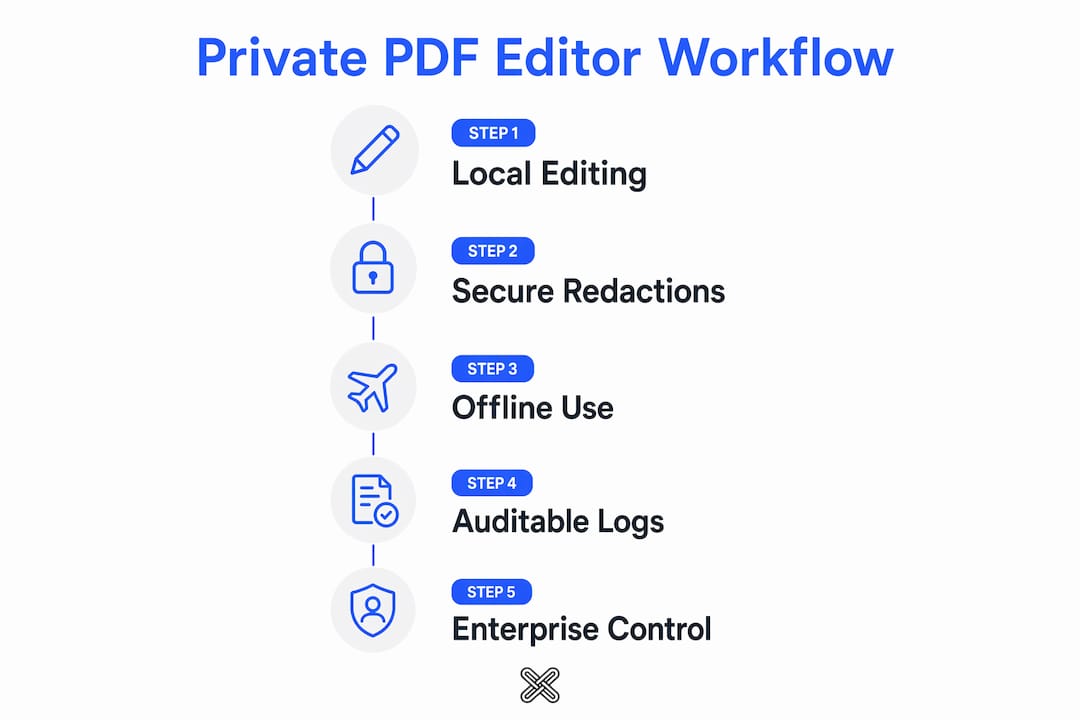
Pro Tip: Test any editor's offline claim before you commit. Disconnect your network adapter, then run a merge, comparison, or redaction. If the tool fails, it depends on a server.
What core features should a private PDF editor include?
A secure PDF editing tool needs to cover the full document lifecycle on-device. Lawtonpdf's PDF tools page lists the operations you should confirm before purchasing any local editor:
- Merge, split, and extract pages
- Rotate, flatten, and watermark files
- Password protect and unlock PDFs
- OCR for scanned documents
- Metadata cleanup on export
- Multi-format document comparison
Supported file types
| Format | Supported operations |
|---|---|
| PDF / PDF/A | Edit, compare, merge, split, protect, OCR |
| Word (.docx) | Compare against PDF or other Word files |
| Plain text | Comparison and bulk search |
| Images (JPG, PNG) | Compare, embed, convert |
| Spreadsheets | Side-by-side comparison |
| Folders | Batch comparison across file sets |
Performance on standard Windows hardware
Lawtonpdf runs as an installed Windows application, so it uses your local CPU and RAM rather than waiting on network round-trips. On a typical business workstation, merge and comparison operations on reasonably sized documents complete quickly. Larger batch jobs take longer but remain stable because processing stays on-device.
How does Lawtonpdf protect your documents?
Lawtonpdf's local-first architecture means no account creation is required to process files, and no upload step exists in the workflow. Files open from your local filesystem and export back to it.
Verifying that an editor is truly private requires more than reading the marketing copy. Disconnect the network and confirm that core operations still work. A genuinely local-first tool continues to function offline; a server-dependent one will not.
Trust signals to verify during your pilot:
- No-upload flow: Open a file and complete an operation without any network prompt.
- Local filesystem operation: Files read from and write to your drive, not a temp cloud folder.
- Redaction method: Secure redaction requires canvas rendering or rasterization to permanently remove the text layer. Visual masking alone is insufficient for compliance-grade work.
- Metadata cleanup: Confirm that exported files strip author, revision history, and creation-tool metadata.
- Enterprise license controls: Centralized admin lets IT manage seats and revoke access without touching individual machines.
Platform note: Lawtonpdf is Windows-only. If your team includes Mac or Linux users, plan for that gap in your deployment. Cross-platform teams may need a supplementary browser-based tool for non-Windows users, while keeping Lawtonpdf as the primary secure editing environment on Windows workstations.
Secure document comparison workflows for legal and finance teams
The goal of a secure comparison workflow is a clean, audit-ready export with no residual sensitive data. Here is how to run one in Lawtonpdf:
- Open files locally. Load both documents from your filesystem. No drag-to-upload prompt should appear.
- Run the comparison. Select the file types (PDF vs. PDF, PDF vs. Word, or text vs. text) and start the comparison. Lawtonpdf supports bulk comparison across folders for multi-document contract reviews.
- Apply redaction. Use canvas-based redaction to permanently remove sensitive text. Confirm the text layer is gone by attempting to select text in the redacted area after export.
- Clean metadata. Strip author names, revision history, and software identifiers before distributing.
- Export and store. Save the final file to your controlled environment. For regulated submissions, pair the export with a secure e-signature workflow to complete the audit trail.
Use cases: Legal teams use this flow for contract redlines and privilege review. Finance teams apply it to board packages and regulatory filings. Consultants use it to strip client metadata before sharing deliverables.
Pro Tip: Before redacting, save a hashed copy of the original file. After export, produce a rasterized version of the redacted document. Keep both in your audit log so you can demonstrate what was removed and when.
What does Lawtonpdf cost, and how do you deploy it?
Lawtonpdf offers a free limited version for evaluation, plus subscription tiers priced per user for individuals, small teams, and businesses. Enterprise licensing includes centralized license management and admin controls.
For procurement teams, the key question is not just price per seat. It is whether the license model supports centralized deployment, silent install, and revocation without requiring end-user action.
Deployment checklist for IT and procurement:
- Per-user vs. site license: Confirm which tier covers your headcount and whether volume pricing applies.
- Centralized license management: Enterprise tiers include admin controls so IT can assign, monitor, and revoke licenses from a single console.
- On-premises install: Lawtonpdf installs directly on Windows workstations, with no cloud dependency for operation.
- Update policy: Clarify whether updates require internet access or can be pushed via internal deployment tools.
- System requirements: Windows OS, standard business hardware (Core i5 / 8 GB RAM or better). No additional runtime dependencies are publicly listed beyond Windows.
For a pilot, deploy to three to five machines, disconnect them from the network, and run the full workflow: open, compare, redact, export. Measure completion time and confirm zero outbound connections using a network monitor.
How do you choose the right private PDF editor?
Start with one non-negotiable: true local processing. Any editor that fails the offline test is not a local-first tool, regardless of how it is marketed.
Evaluation checklist:
- Offline operation test: Disconnect the network and run a merge, comparison, and redaction. All three must succeed.
- Redaction method: Ask the vendor whether redaction uses canvas rendering or rasterization. Visual overlay is not acceptable for compliance work.
- File-type coverage: Confirm support for every format your team uses (PDF, Word, text, images, spreadsheets, folders).
- Multi-format comparison: Verify that the tool compares across file types, not just PDF-to-PDF.
- Metadata cleanup: Export a test file and inspect it with a metadata viewer. Author and revision fields should be empty.
- Admin tools: For teams of five or more, centralized license management is a practical requirement.
- Support SLAs: Confirm response times and whether enterprise tiers include dedicated support.
Pilot criteria: use two to four real documents from your workflow (a contract, a financial statement, a scanned form, and a folder of related files). Run each through the full workflow. Your go/no-go decision should rest on offline reliability, redaction quality, and admin usability, not feature count.
Key Takeaways
A private PDF editor must process files locally, support compliance-grade redaction, and give IT teams centralized license control — Lawtonpdf delivers all three on Windows.
| Point | Details |
|---|---|
| Local processing is the baseline | Any editor that fails the offline disconnect test is not truly local-first. |
| Redaction method determines compliance | Canvas rendering or rasterization permanently removes text; visual masking does not. |
| Metadata cleanup is required | Strip author, revision, and tool metadata before distributing any sensitive export. |
| Enterprise controls matter at scale | Centralized license management lets IT assign and revoke access without end-user action. |
| Lawtonpdf is the recommended option | Windows-native, local-first, with advanced comparison across PDFs, Word, text, images, spreadsheets, and folders. |
The procurement mistake most teams make
Most teams evaluate PDF editors on feature count. They build a spreadsheet, check boxes for merge, split, OCR, and comparison, and pick the tool with the most checkmarks. That approach misses the one question that actually determines whether the tool is safe to use with sensitive documents: does it process files locally, and can you prove it?
The offline disconnect test takes two minutes. Run it before you run any other evaluation step. If the tool fails, no feature list compensates for the privacy risk. If it passes, you have a credible foundation for the rest of your pilot.
For enterprise buyers, the second overlooked factor is license management. A tool that requires each user to manage their own license creates an audit gap. Centralized control is not a premium feature; it is a procurement requirement for any team subject to document retention or access policies.
Lawtonpdf was built with both of these realities in mind: local processing by design, and enterprise license controls as a standard capability, not an add-on.
Lawtonpdf: local-first PDF editing built for business teams
Lawtonpdf gives you a complete private PDF editing environment on Windows, with no cloud dependency and no upload step. Edit, compare, redact, and manage documents entirely on your hardware.
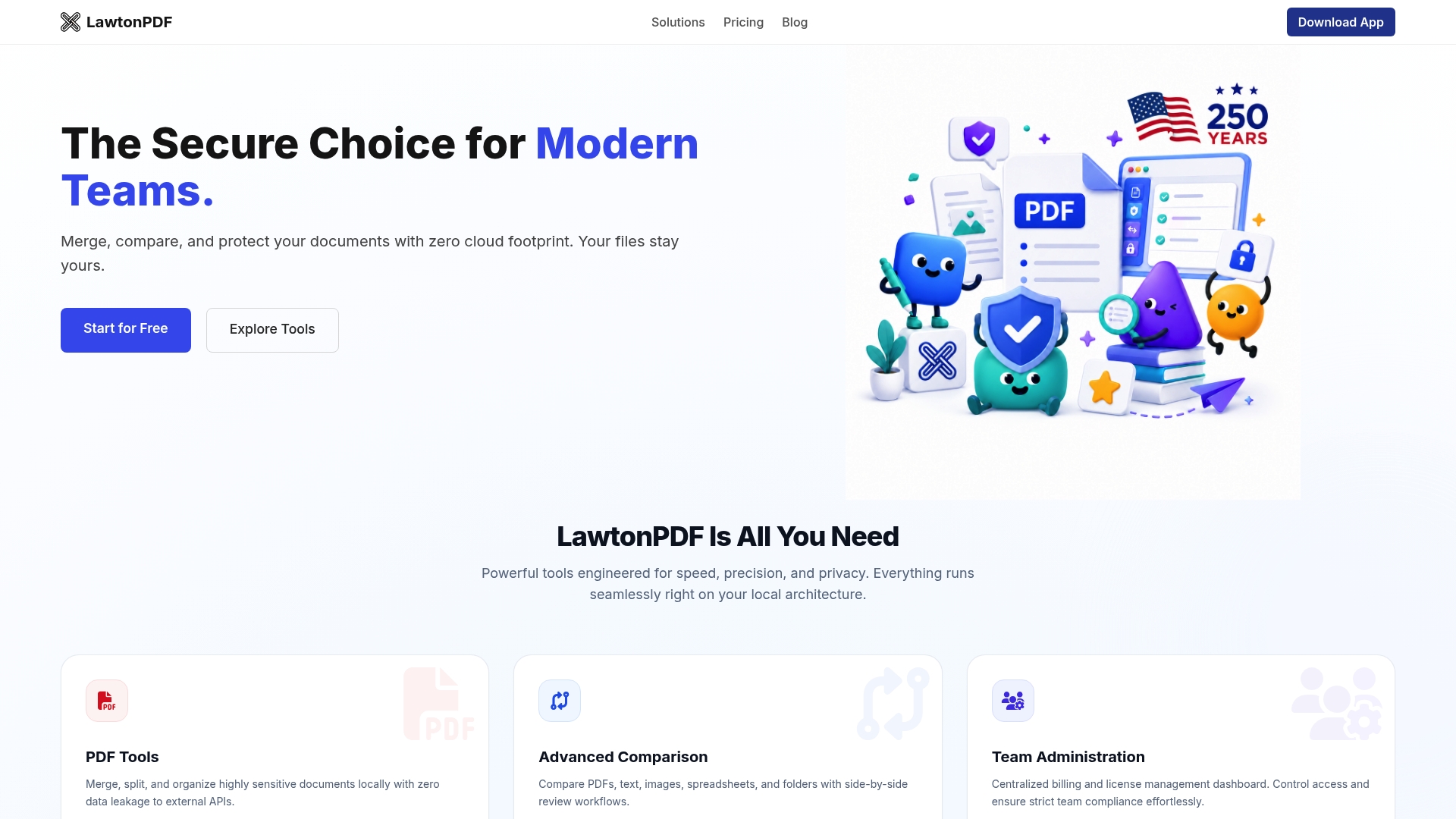
The free limited version lets you evaluate core tools before committing to a subscription. Paid tiers add full feature access and per-user licensing. Enterprise plans include centralized license management and admin controls for IT deployment.
Start with the free download to run the offline test and pilot the comparison workflow with your own documents. For enterprise pricing and volume licensing, visit the pricing page or contact the Lawtonpdf team directly through the site.
Useful sources
- Lawtonpdf product overview and download — confirms local installation, offline operation, and Windows compatibility
- Lawtonpdf PDF tools page — full list of supported operations and file types
- Lawtonpdf pricing and enterprise licensing — subscription tiers and centralized license management details
- Lawtonpdf bulk search and comparison features — multi-format and folder-level comparison documentation
- Secure redaction technical guidance — explains why canvas rendering is required for compliance-grade redaction
- Local-first offline verification method — practical guidance on the disconnect test for confirming local processing
Run the offline test and inspect exported metadata yourself. Those two steps will tell you more about a tool's privacy posture than any vendor claim.