
What are the top PDF Expert alternatives in 2026?
PDF Expert alternatives are PDF editing apps that match or exceed PDF Expert's core capabilities across Mac, Windows, and iOS, useful when preparing regulatory documents such as a Statement of Environmental Effects. The strongest options in 2026 cover annotation, OCR, AI-assisted editing, and security controls, with pricing that ranges from completely free to enterprise subscriptions.
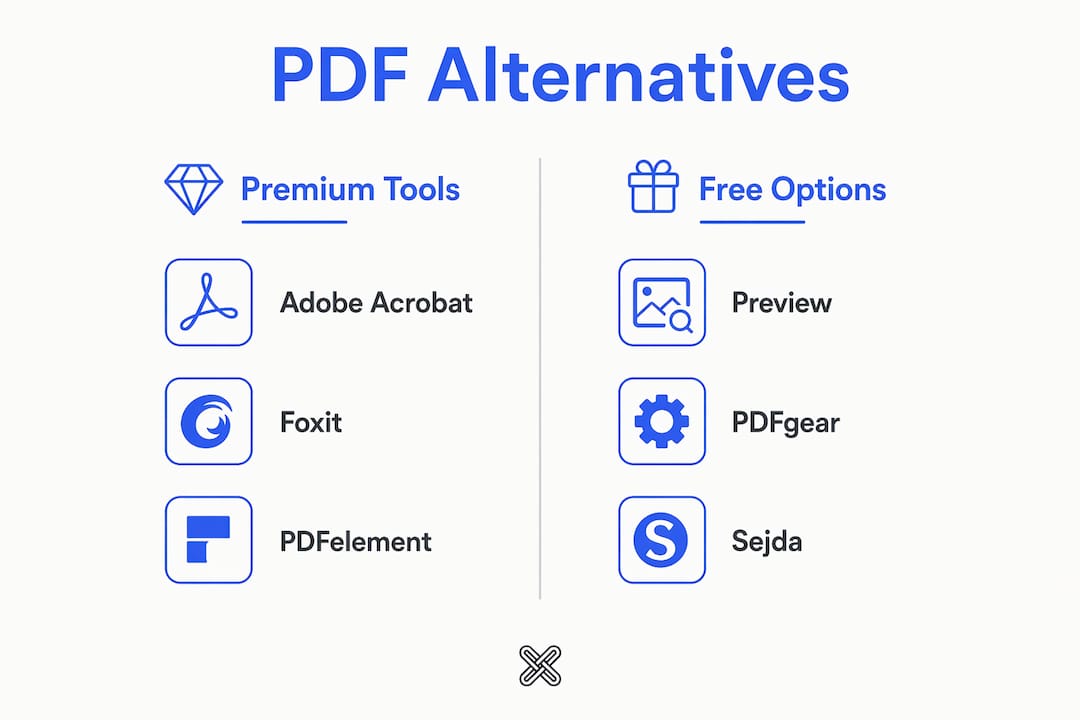
Here is a quick-reference comparison of the leading alternatives:
| Tool | Platforms | Key Features | Free Option | Pricing Model | AI Features | Security Focus |
|---|---|---|---|---|---|---|
| Adobe Acrobat | Mac, Windows, iOS, Android | Full editing, OCR, e-sign, forms | Limited free viewer | Subscription | AI Assistant | Cloud-based |
| Foxit PDF Editor | Mac, Windows, iOS, Android | Editing, annotation, OCR, forms | Free Reader | Subscription / one-time | AI-powered review | Cloud + local |
| Wondershare PDFelement | Mac, Windows, iOS | Editing, OCR, forms, templates | Free trial | Subscription / lifetime | AI summarize, rewrite | Cloud-based |
| Preview | Mac, iOS | Annotation, basic editing, signing | Free (built-in) | Free | None | Local (Apple) |
| PDFgear | Mac, Windows, iOS | Editing, annotation, OCR, AI chat | Fully free | Free | AI chat with PDF | Cloud-assisted |
| Sejda | Mac, Windows, Linux, Web | Editing, forms, OCR, merge | Free (limited) | Subscription / one-time | Limited | Cloud-based |
| Lawtonpdf | Windows | Merge, compare, watermark, protect, flatten | Free limited version | Subscription (tiered) | None | Local-first only |
PDF Expert itself is exclusive to Apple devices, which is the primary reason Windows users and cross-platform teams look elsewhere. Even on Mac, its lack of Dynamic XFA form support and limited PDF/A archival handling push professionals toward more capable tools.
Table of Contents
- How do PDF Expert alternatives compare by platform and features?
- How do you choose the right PDF editor for your needs?
- Why Lawtonpdf is built for privacy-conscious professionals
- Lawtonpdf gives you secure PDF control without the cloud
- Key Takeaways
How do PDF Expert alternatives compare by platform and features?
Each alternative fills a different gap. Understanding where each one excels, and where it falls short, saves you from a costly wrong choice.
Adobe Acrobat
Adobe Acrobat is the most complete PDF editor available across Mac, Windows, iOS, and Android. It handles full text and image editing, OCR, digital signatures, fillable forms, and redaction. Its AI Assistant can summarize documents, answer questions about content, and draft responses, which makes it genuinely useful for long-form document review. The trade-off is cost: Acrobat Standard runs on a subscription, and the full Pro tier adds considerably more. All processing routes through Adobe's cloud servers, which matters if your documents contain sensitive personal or financial data.
Foxit PDF Editor
Foxit PDF Editor runs on Mac, Windows, iOS, and Android, and it is one of the closest feature-for-feature matches to Acrobat at a lower price. Annotation tools are thorough, OCR is reliable, and the interface feels familiar to anyone coming from Microsoft Office. Foxit also offers a free Reader for basic viewing and annotation. Its AI-powered review features are improving, though they are not yet as polished as Acrobat's. One practical advantage: Foxit offers both subscription and one-time purchase options, giving you flexibility that Adobe does not.
Wondershare PDFelement
PDFelement targets users who want a capable editor without Acrobat's price tag. It covers editing, OCR, form creation, and template management on Mac, Windows, and iOS. The AI tools include document summarization and content rewriting, which are useful for teams processing large volumes of contracts or reports. A lifetime license option makes it attractive if you dislike recurring fees. The downside is that all AI features rely on cloud processing, so documents leave your device.

Preview
Preview is free, built into every Mac and iPhone, and handles the majority of everyday PDF tasks: annotation, highlighting, signing, and basic page management. For users who only need to mark up PDFs or fill in simple forms, it is hard to beat. It does not support text editing, OCR, or any AI features, and it has no Windows version. Think of it as a capable starting point, not a professional tool.
PDFgear
PDFgear is the most capable fully free option on this list. It runs on Mac, Windows, and iOS, covers editing, annotation, OCR, and merging, and includes an AI chat feature that lets you ask questions about document content. The free pricing is genuine, not a stripped trial. The catch is that AI features use cloud processing, and the tool is newer, so long-term update reliability is less proven than established players.

Sejda
Sejda offers a desktop app for Mac, Windows, and Linux, plus a web-based version. It handles editing, form filling, OCR, merging, and splitting well. The free tier allows a limited number of tasks per hour, which works for occasional use but becomes restrictive for high-volume workflows. A one-time purchase option exists alongside the subscription, which appeals to users who want to avoid recurring costs. All processing on the web version routes through Sejda's servers.
Pro Tip: When evaluating any PDF editor, test it with your actual document types, not sample files. A tool that handles standard contracts cleanly may struggle with scanned PDFs, XFA forms, or multi-layer files you use daily.
AI features across the field
AI-powered PDF editing features like content summarization, document chat, and enhanced OCR are becoming standard differentiators in 2026. Adobe Acrobat's AI Assistant and PDFgear's chat function lead in practical usability. Wondershare PDFelement's AI rewrite tool is useful for drafting. If AI-assisted review is central to your workflow, Acrobat currently offers the most mature implementation.
Pricing and trial policies
Pricing varies widely across this category. PDFgear is fully free. Preview costs nothing. Sejda and Foxit offer one-time purchase options. Adobe Acrobat and Wondershare PDFelement lean on subscriptions, though PDFelement's lifetime license softens that. Lawtonpdf uses a tiered subscription model with a free limited version. Most tools offer trial periods, but refund policies differ, so read the terms before you commit to a paid plan.
| Tool | Mac | Windows | iOS | Free Tier | AI Tools | Local Processing |
|---|---|---|---|---|---|---|
| Adobe Acrobat | Yes | Yes | Yes | Viewer only | Yes (AI Assistant) | No |
| Foxit PDF Editor | Yes | Yes | Yes | Free Reader | Yes | Partial |
| Wondershare PDFelement | Yes | Yes | Yes | Trial only | Yes | No |
| Preview | Yes | No | Yes | Yes (built-in) | No | Yes |
| PDFgear | Yes | Yes | Yes | Fully free | Yes (chat) | No (AI) |
| Sejda | Yes | Yes | No | Limited | Minimal | No (web) |
| Lawtonpdf | No | Yes | No | Free limited | No | Yes (fully) |
How do you choose the right PDF editor for your needs?
Choosing among PDF Expert substitutes comes down to matching the tool's strengths to your actual workflow. Here is a practical framework.
Start with platform requirements. If you work across Mac and Windows, Preview and PDF Expert are immediately off the table. Adobe Acrobat and Foxit PDF Editor cover the widest range of operating systems. Lawtonpdf is Windows-only, built specifically for professionals who need local processing on that platform.
Assess your security requirements. If you handle contracts, medical records, financial statements, or any regulated documents, cloud-based processing introduces real risk. Every time a document is uploaded to a cloud server for editing or AI analysis, it leaves your direct control. Local-first tools process everything on your own hardware, which eliminates that exposure entirely.
Match features to your actual tasks. Consider which of these you genuinely need:
- Full text and image editing inside PDFs
- OCR for scanned documents
- Form creation and filling
- Digital signatures and e-sign workflows
- Document comparison (side-by-side or tracked changes)
- Merging, splitting, and page organization
- Watermarking and password protection
- Bates numbering and permanent redaction
- AI-assisted summarization or document chat
Not every tool covers all of these. Adobe Acrobat covers the most. Lawtonpdf focuses on document management, comparison, and security operations rather than content editing.
Evaluate pricing honestly. A lifetime license from Wondershare PDFelement or a one-time Foxit purchase can cost less over three years than an annual Acrobat subscription. If your PDF needs are occasional, PDFgear's free tier may be all you need. For teams, per-user subscription pricing from Lawtonpdf scales predictably.
Use trial versions before you buy. Most paid tools offer a trial period. Run your actual documents through the trial, not just demo files. Pay attention to how the tool handles your specific file types and whether the interface fits your existing workflow.
Pro Tip: If your work involves legal, financial, or healthcare documents, treat local-first processing as a non-negotiable requirement, not a nice-to-have. The convenience of cloud AI features is not worth the compliance exposure for regulated data.
Why Lawtonpdf is built for privacy-conscious professionals
Most PDF editors in this comparison route at least some processing through external servers. That is fine for general use. For professionals handling sensitive documents, it is a genuine liability.
Lawtonpdf takes a different approach. Every operation runs locally on your Windows machine. No document data is transmitted to any server. That means your contracts, financial records, client files, and internal reports stay entirely under your control, from the moment you open them to the moment you close the application.
Industry analysts highlight a clear trend toward local-first software in regulated sectors, driven by tightening data privacy requirements and the growing cost of cloud-related data incidents. Legal, accounting, and financial professionals in the US face specific compliance obligations that make cloud document processing a documented risk, not just a theoretical one.
Lawtonpdf's feature set is built around the tasks these professionals actually need:
- PDF merging and splitting for organizing multi-document case files or financial packages
- Advanced document comparison across PDFs, Word files, text, spreadsheets, images, and folders
- Watermarking and password protection for controlling document distribution
- Flatten and redaction tools for permanently removing sensitive annotations or metadata
- Bates numbering for legal document production and court filing requirements
- Page extraction and rotation for precise document assembly
- Centralized team administration and license management for firm-wide deployment
The permanent removal of annotations and metadata is a capability many consumer PDF editors handle poorly or incompletely. Lawtonpdf's redaction tools are designed to meet the standard that legal and compliance workflows actually require.
For Windows users who need professional-grade document management without sending files to the cloud, Lawtonpdf fills a gap that none of the Mac-first or cloud-dependent tools in this comparison address.
Lawtonpdf gives you secure PDF control without the cloud
If you have worked through this comparison and your priority is keeping sensitive documents off external servers, Lawtonpdf is the direct answer. It is not trying to compete with Adobe Acrobat on AI chat or with PDFgear on price. It is built for Windows users who need reliable, professional PDF management with a firm guarantee that their data never leaves their machine.
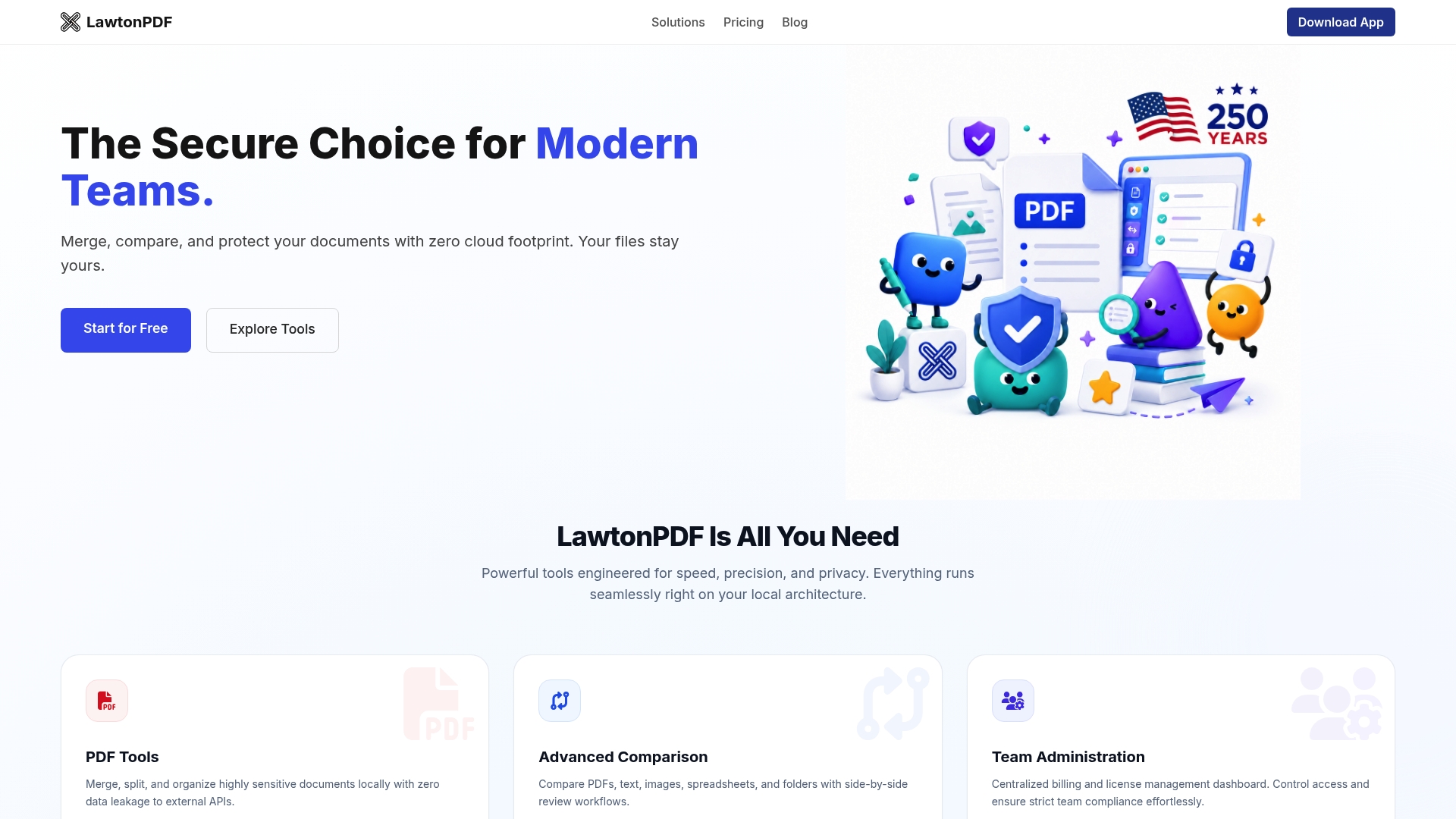
The PDF tools in Lawtonpdf cover the full range of document management tasks: merging, splitting, comparing, watermarking, protecting, flattening, and more. All of it runs locally. A free limited version lets you test the core features before committing, and tiered subscription plans scale from individual professionals to full teams. If you manage documents that cannot afford to be exposed, download Lawtonpdf and run it against your actual files today.
Key Takeaways
The strongest PDF Expert alternative for your workflow depends on your platform, security requirements, and the specific features you use most often.
| Point | Details |
|---|---|
| Platform coverage matters first | PDF Expert is Apple-only; Windows users need Foxit, PDFelement, Sejda, or Lawtonpdf. |
| Free options are genuinely capable | PDFgear offers full editing and AI chat at no cost; Preview handles everyday Mac annotation for free. |
| AI features come with cloud trade-offs | Every AI-powered tool in this comparison routes processing through external servers, which creates privacy exposure. |
| Local-first processing is the security standard | Lawtonpdf processes all operations on your device, keeping sensitive documents fully under your control. |
| Lawtonpdf fits regulated professional workflows | Legal, financial, and compliance teams get merging, comparison, redaction, and Bates numbering with no cloud dependency. |