
Choosing a document management solution that supports HIPAA compliance can be challenging for healthcare providers, legal teams, and compliance professionals. Organizations need a platform that protects electronic protected health information (ePHI), provides strong security controls, and fits seamlessly into existing workflows. This comparison reviews five leading document management solutions, examining their deployment models, security features, pricing, and compliance capabilities to help organizations select the solution that best meets their privacy, operational, and regulatory requirements.
Table of Contents
LawtonPDF
At a Glance
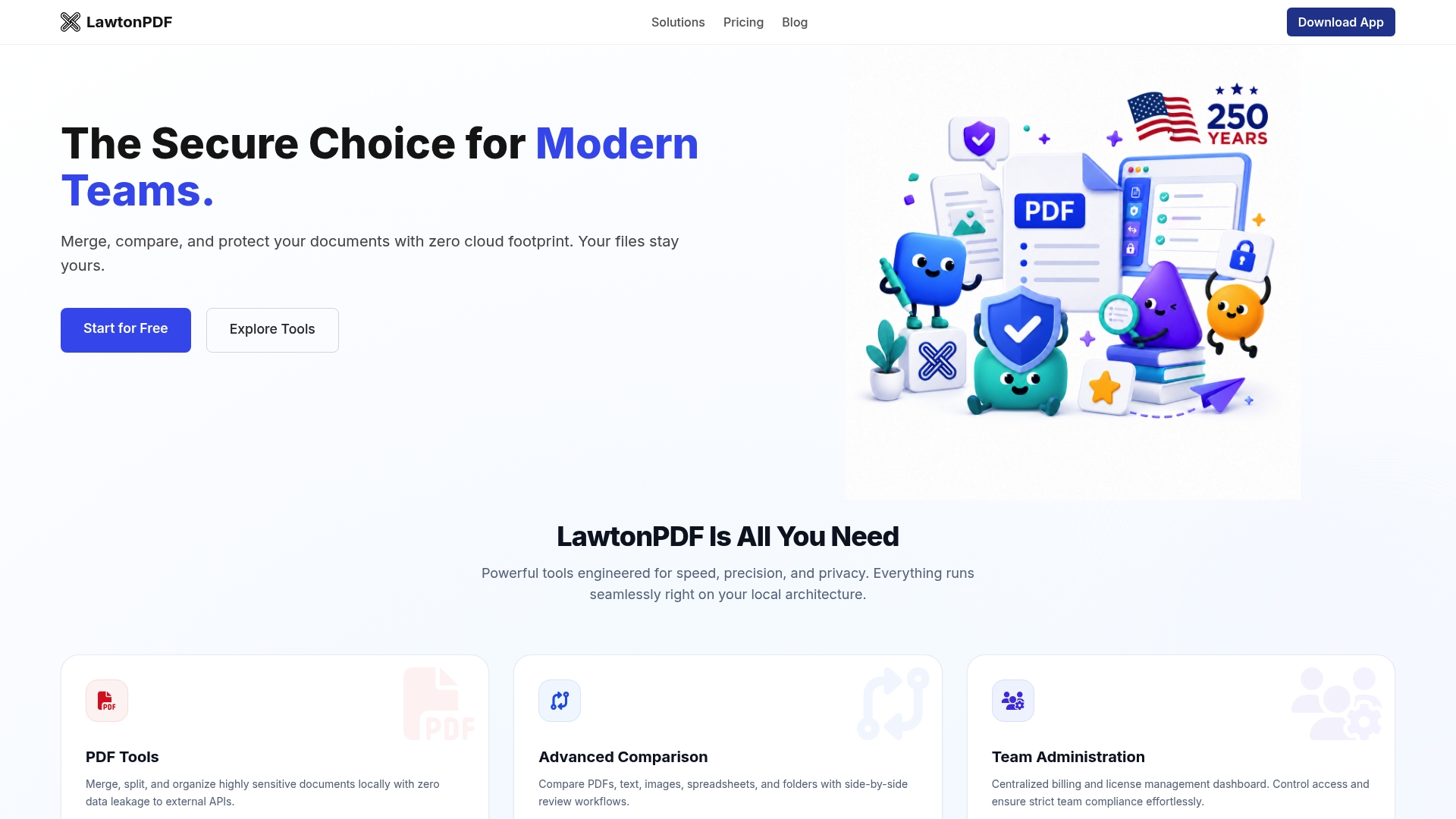
LawtonPDF processes documents locally using its Local Engine, so files remain on your own computers instead of being uploaded to cloud services for processing. This approach helps organizations maintain control over sensitive documents and supports secure workflows for legal, financial, healthcare, and other privacy-focused environments. LawtonPDF offers a free tier along with team plans that include centralized license management.
Core Features
LawtonPDF performs PDF and document processing entirely on local hardware. Users can merge, split, organize, secure, and compare documents without relying on cloud-based processing. Its comparison tools support PDFs, text files, images, spreadsheets, and folders, while team administration features provide centralized license and billing management.
Key Differentiator
LawtonPDF's primary differentiator is its local-first architecture. By processing documents on your own systems rather than external servers, it helps reduce the risks associated with cloud-based document handling while giving organizations greater control over confidential information.
Pros
-
Processes documents locally without requiring cloud uploads.
-
Supports comparison of PDFs, text, images, spreadsheets, and folders.
-
Includes centralized team licensing and administration.
-
Works offline, making it suitable for secure or restricted environments.
Cons
-
Requires installation on local Windows computers.
-
Does not provide browser-based access like cloud document management platforms.
Who It’s For
LawtonPDF is well suited for law firms, healthcare organizations, financial institutions, government agencies, businesses, and individual professionals who work with sensitive or document-intensive workflows. It is particularly valuable for teams and individuals who prefer local document processing or operate in environments with strict privacy, security, and compliance requirements.
Unique Value Proposition
LawtonPDF combines comprehensive document comparison with a privacy-focused, local processing model. Organizations can evaluate the software using the free tier before upgrading to Plus or Business plans that add team management, centralized licensing, and priority support.
Real World Use Case
A law firm compares multiple versions of contracts, pleadings, and supporting exhibits using LawtonPDF on staff workstations. Documents remain within the firm's IT environment throughout the review process, helping maintain control over sensitive client information while streamlining document comparison and preparation.
Pricing
LawtonPDF offers a free plan along with paid Plus and Business subscriptions. Paid plans include unlimited usage, team management features, centralized licensing, and priority support.
Website: https://lawtonpdf.com
Docsvault
At a Glance
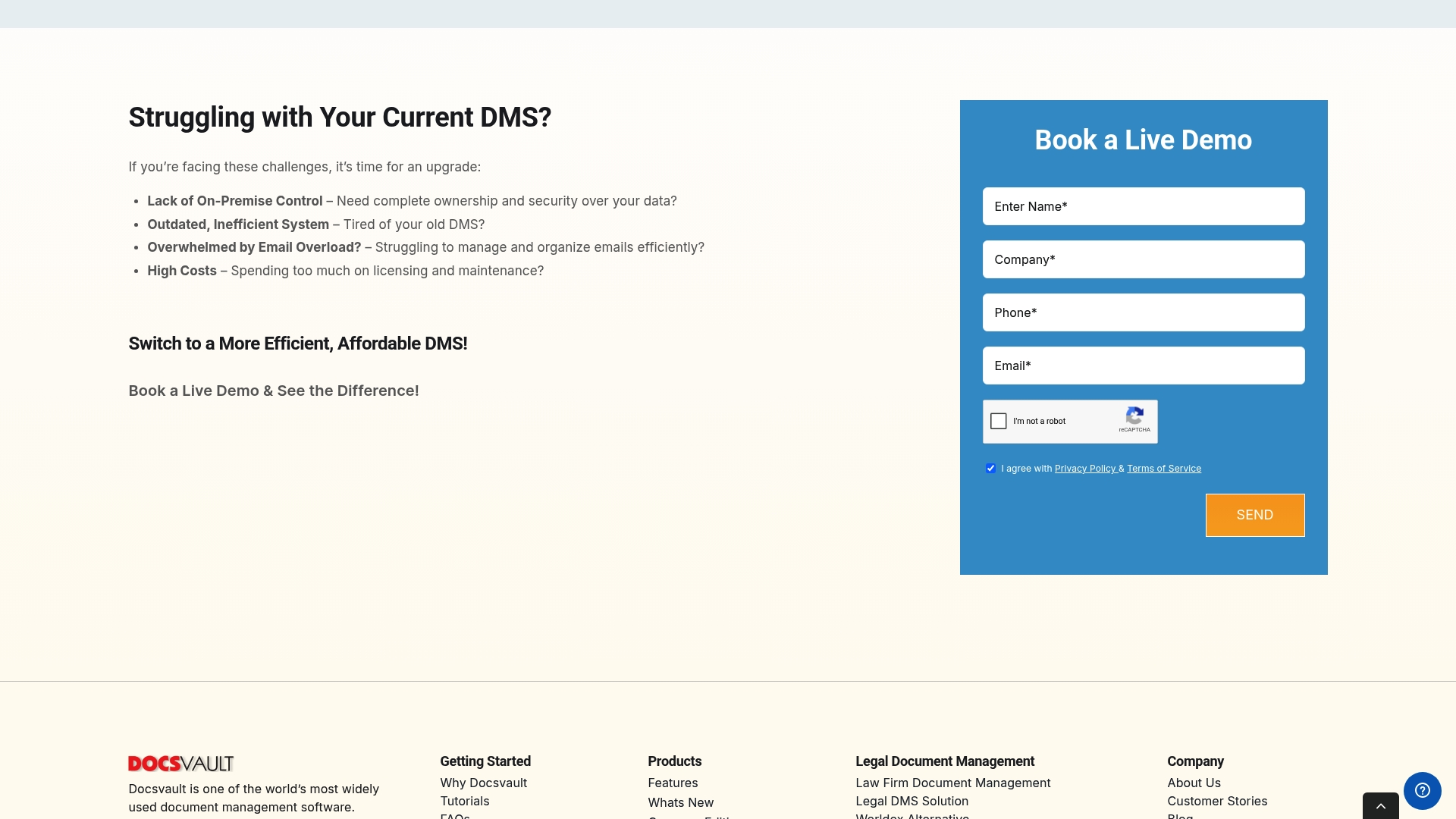
Docsvault reports being trusted by over 5,000 organizations worldwide. The vendor states the product supports compliance with HIPAA, GDPR, and ISO standards. That combination of a self hosted model and compliance claims makes its appeal clear for teams that must keep all records on site.
Core Features
Docsvault centralizes document storage and offers email capture inside Outlook while keeping version control for MS Office files. The system includes built in PDF creation and editing plus OCR search and barcode recognition for quick retrieval. It also provides role based access control, audit trails, workflow automation for approvals, and AI powered capture tools labeled DocAI.
Key Differentiator
The main distinction is a user friendly on premise system that groups compliance, AI powered capture, and extensive features into the base license. That licensing model reduces the need for multiple add ons for records, workflows, and PDF handling. The product targets organizations that prefer owning their infrastructure rather than using a cloud first solution.
Pros
Docsvault gives a high level of control through on premise deployment so your servers host sensitive files and metadata. The base license includes many capabilities commonly sold as extras, which keeps overall packaging simple for internal procurement. Support and migration help are highlighted, and the vendor reports specific experience migrating customers from legacy systems like Worldox. Security features such as role based controls, versioning, and audit trails support regulated environments and records retention needs.
Cons
-
Pricing may be expensive for very small practices or teams with simple needs. This can raise the total cost of ownership for tiny shops.
-
The requirement for local infrastructure increases IT overhead compared with cloud alternatives. Smaller organizations without IT staff will need outside support.
-
The interface could be streamlined further for non technical staff and the system may demand formal user training. Full use of advanced features may take time to adopt.
-
Some third party integrations can require custom setup or development, adding implementation time and cost.
When It May Not Fit
Choose another product if your team lacks IT resources to run and maintain servers. The on premise architecture makes rapid scaling across many distributed sites harder without extra configuration. If you want a pure cloud first deployment with minimal in house maintenance, this solution will likely add administrative work.
Who It’s For
Legal firms, corporate legal departments, and regulated teams that require direct control of document storage will benefit most. Organizations that mandate data sovereignty and on premise retention policies will find the feature set aligned with their needs. Teams with internal IT capacity and a preference to keep systems behind their firewall get the most value.
Real World Use Case
A mid sized law firm migrated from an older case management repository to Docsvault to centralize case files on site. The firm used Docsvault to automate contract approvals and to capture incoming email into client folders. Housing everything on local servers kept sensitive matters inside their network while giving lawyers instant OCR search across archives.
Pricing
Pricing starts at $1,555/month for a five user license. Editions scale by feature set with labels such as Small Business, Enterprise, and Ultimate. Additional automation or advanced modules can affect total cost depending on chosen edition and deployment choices.
Website: https://docsvault.com
MSB Docs
At a Glance
According to the company, Pfizer reduced documentation processing time by 75% using MSB Docs’ automation. The vendor reports thousands of documents signed and a broad enterprise client base. That combination targets organizations that need to audit ready records across multiple jurisdictions.
Core Features
MSB Docs combines eSignatures, automated workflow routing, and audit trails that record every action and timestamp. The platform includes template and clause libraries and APIs for integration with enterprise systems. These capabilities support regulated workflows such as GxP and clinical documentation.
Key Differentiator
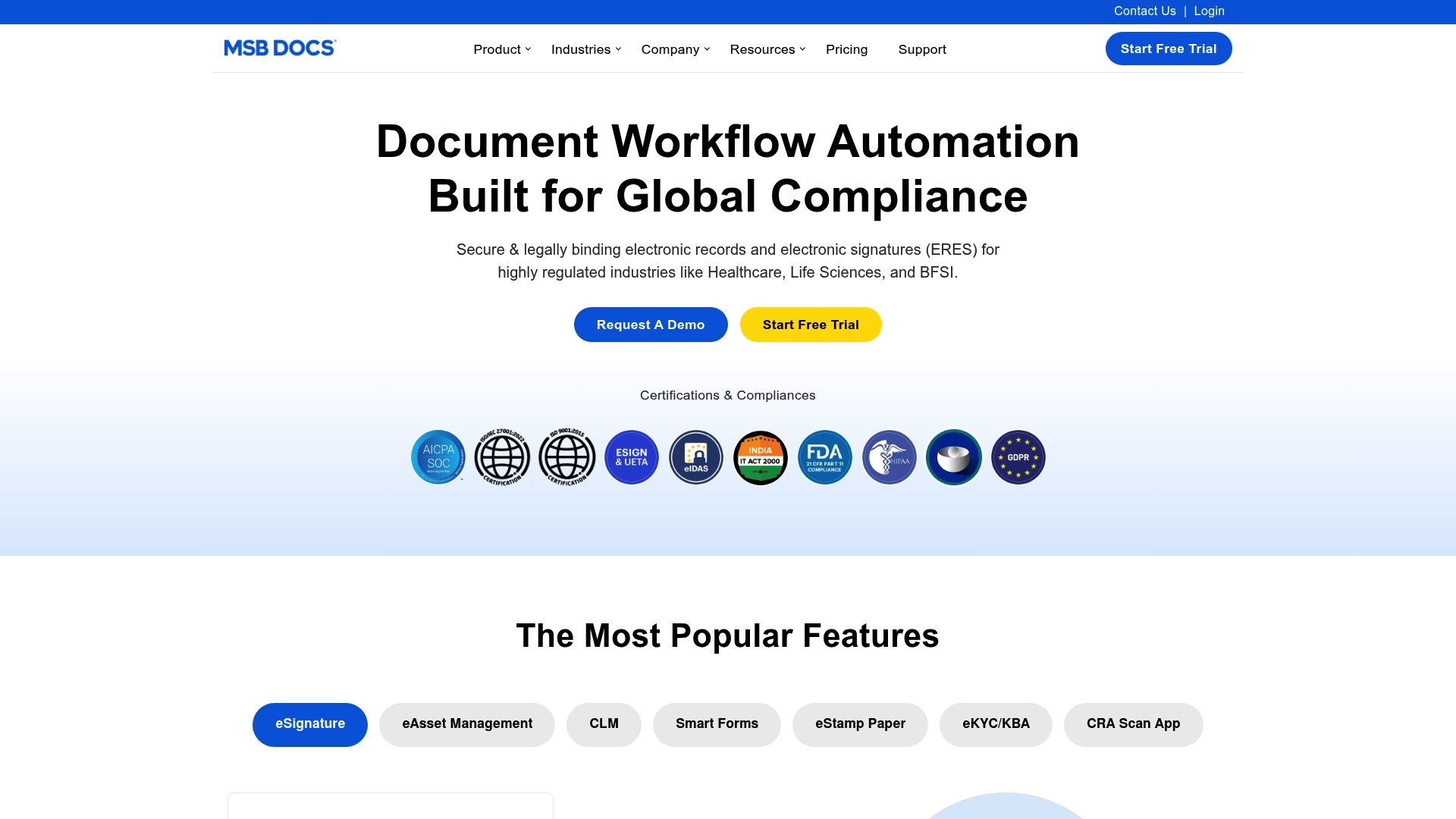
MSB Docs’ marketing materials state support for 21 CFR Part 11, GDPR, eIDAS, and HIPAA. The vendor positions multi jurisdictional compliance and deep enterprise integrations as its primary angle. That focus narrows MSB Docs to teams that manage cross border regulatory audits and legal evidence chains rather than casual signature use.
Pros
MSB Docs supports a wide set of regulatory standards and places emphasis on compliance controls. Encryption, role based access, and tamper evidence combine with detailed logs to create an auditable record for inspections. The platform integrates with enterprise systems to push and pull metadata and to automate routing. Templates and clause libraries reduce manual errors for recurring document types.
Cons
-
Limited third party reviews are available, so independent validation of user experience is hard to find.
-
Pricing is not publicly listed, making budget planning difficult for smaller teams.
-
The platform has enterprise level capability, and that complexity may require dedicated onboarding and internal training.
-
Workflows depend on internet availability for signing and routing, which affects offline use.
When It May Not Fit
Small clinics or lean practices with low document volumes may find MSB Docs heavier than required. Teams without IT resources could face longer deployments due to integration and configuration needs. Organizations needing offline signing or minimal setup will want a lighter tool.
Notable Integrations
MSB Docs offers connectors and APIs for major enterprise systems including Salesforce, SAP, and Microsoft Office 365 + Teams. Additional listed integrations include SharePoint, DarwinBox, Legal Connect, Provakil, and G-suit to support HR, legal, and records workflows.
Who It’s For
Large enterprises, regulated organizations, and compliance teams operating across borders will get the most value. Security officers and records managers who must produce audit trails and evidence for inspections will find the feature set appropriate. Smaller, single site practices are not the primary audience.
Real World Use Case
The Pfizer example above showed a dramatic reduction in processing time when automation handled routing and signatures. A large hospital could use MSB Docs for patient consent, capturing signatures, logging access, and producing inspection ready reports. That use keeps record chains intact for auditors.
Pricing
Pricing is not publicly listed. The vendor appears to use custom enterprise pricing for regulated deployments and integration work. Prospective buyers must contact sales for a tailored quote.
Website: https://msbdocs.com
DocuSafe.ai
At a Glance
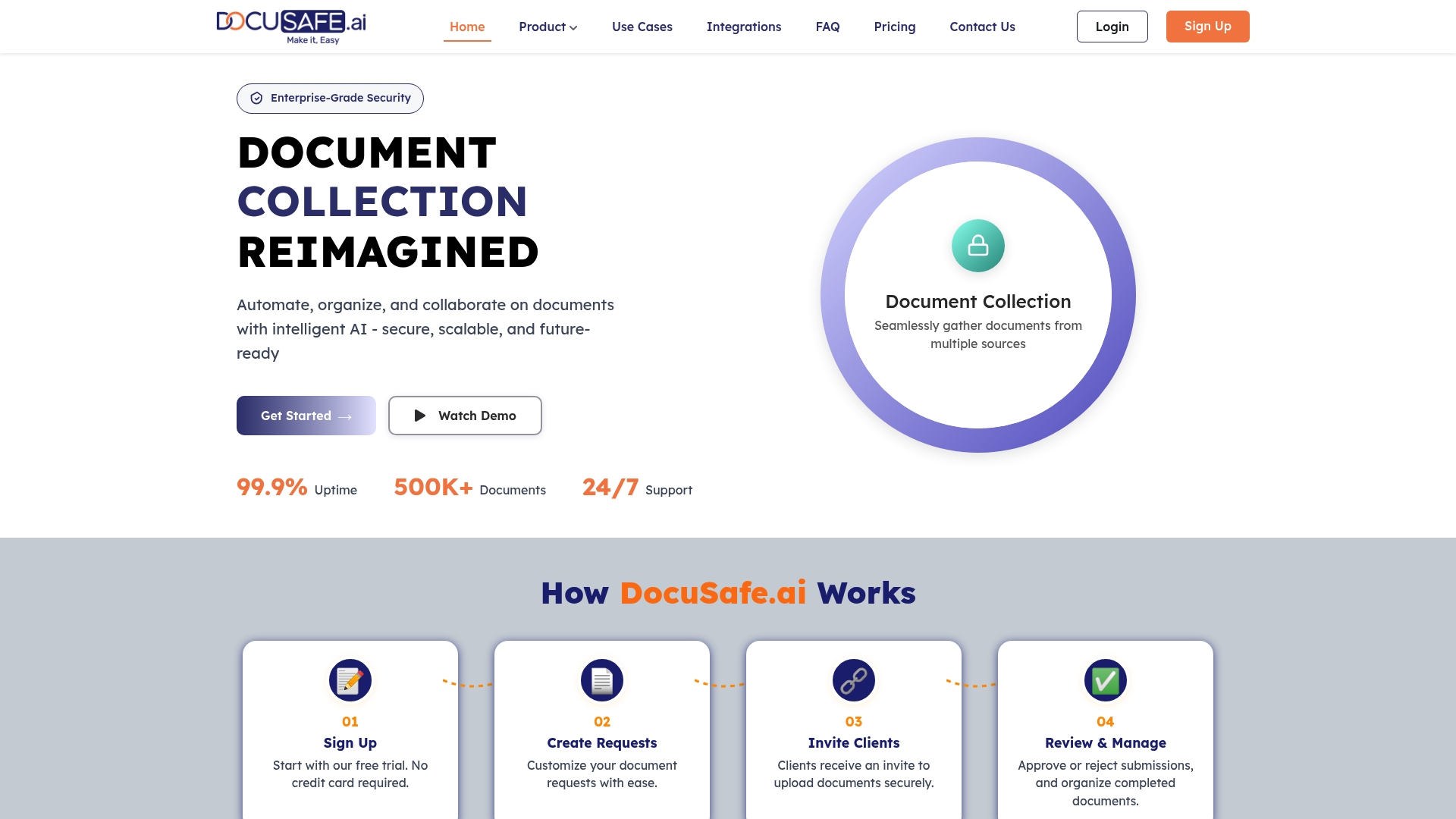
Starts at USD 0/month, with paid plans beginning at USD 18/month for individual users, and options that scale for teams. The platform pairs automated document collection with secure client portals and audit trails. That pricing entry point makes trialing core features straightforward for small practices.
Core Features
DocuSafe.ai centralizes document intake from email, uploads, and linked cloud drives while offering a secure client portal with encryption. It includes automated reminders, reusable templates, e-signatures, advanced search, document tagging, and activity tracking to support recurring workflows. Custom forms and data validation help capture structured information for compliance and downstream processing.
Key Differentiator
DocuSafe.ai emphasizes AI-powered automation together with enterprise-grade encryption to reduce manual follow up and tighten access control. The vendor markets industry-specific workflows for legal, real estate, accounting, and tax teams that need both automation and traceable audit logs. That combination aims to shorten collection cycles while keeping access and signing records visible.
Pros
Automation reduces repetitive tasks by routing requests, sending reminders, and applying templates to recurring document sets. The secure portal and audit trail make access and signature history easy to review for compliance officers. Cloud storage compatibility with major providers speeds adoption for teams who already use Google Drive, Dropbox, OneDrive, or Box, and reusable templates save time on recurring engagements.
Cons
-
Dependent on a reliable internet connection for cloud features and client portal access.
-
Lower-priced tiers may include constrained storage options, which can raise costs as volume grows.
-
Ongoing subscription fees add recurring operating expense for small firms replacing one-off tools.
When It May Not Fit
If your organization requires fully offline processing or an on-premises local engine for file handling, this cloud-first model will not match that requirement. Practices with very large archival storage needs may outgrow the entry plans and face higher pricing. Teams that need built-in time tracking or tightly integrated practice management modules should expect to add separate software.
Who It’s For
Legal teams, real estate brokers, accounting firms, and compliance officers who need secure, automated document workflows will find the feature set relevant. Smaller practices that want to eliminate manual follow up will value the reminder and template capabilities. Organizations that already host files in mainstream cloud drives will get faster integration.
Real World Use Case
A small law firm uses DocuSafe.ai to request client intake packets, apply a case template, and collect signatures online. Automated reminders reduced manual follow up and the portal captured a clear audit trail for each signed engagement letter. The result was fewer missed documents and faster case opening.
Pricing
DocuSafe.ai offers a free plan starting at USD 0/month. Paid plans begin at USD 18/month for individual users, with team and enterprise options that add capacity and advanced features as needs grow. Larger organizations should budget for higher tiers if they require more storage or seats.
Website: https://docusafe.ai
Stars Information Solutions
At a Glance
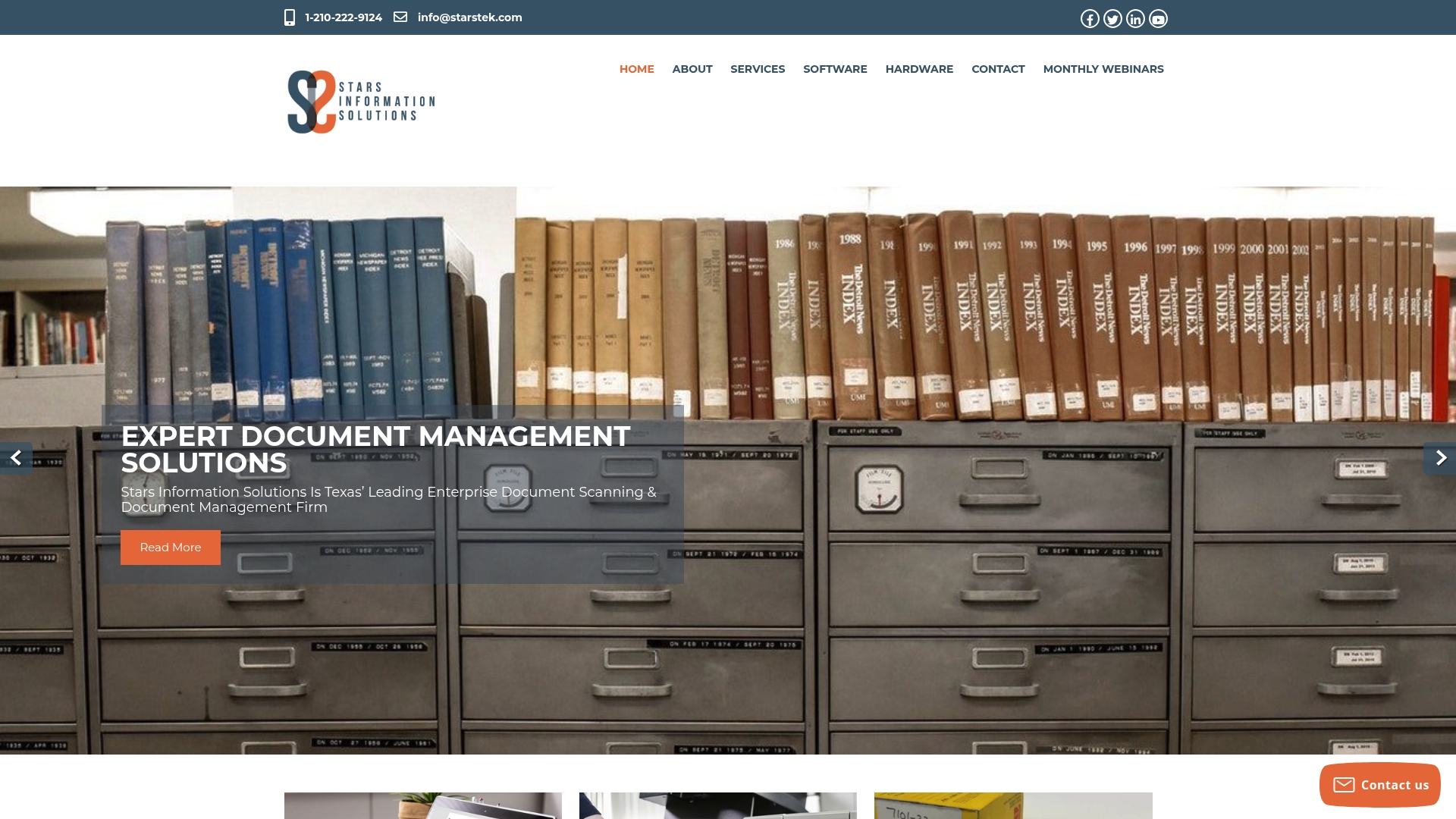
The vendor advertises a secure, HIPAA-compliant service bureau and continuous document scanning operation out of Texas since 1991. That long track record covers government, education, and healthcare projects that require records preservation and chain of custody. They combine on site hardware sales with bureau scanning to handle large volumes that clients prefer not to process internally.
Core Features
Document scanning services include HIPAA compliant scanning, microfilm conversion, check and large format capture, and physical records intake. Their lifecycle management software supports content capture and process automation. Accounts payable automation uses machine learning to extract and validate invoice data while professional consulting covers ECM configuration and integration.
Key Differentiator
Stars Information Solutions emphasizes integrated hardware and software solutions tied to a secure scanning bureau and hands on professional services. That vendor claim highlights a full service approach to digitization rather than a pure software only product. Compared with Lawtonpdf, this setup fits organizations that need turnkey scanning, bureau processing, or hardware procurement alongside ECM deployment.
Pros
Extensive experience since 1991 gives the team institutional knowledge of government and medical records workflows. Certified resellers and certified project managers support hardware procurement and ECM deployments, which reduces vendor management overhead. Custom workflow automation and accounts payable automation help move high volume invoice and records processes into digital pipelines.
Cons
-
Third party reviews focus mainly on technical support and service quality rather than deep software feature assessments.
-
Scalability and pricing details are not publicly listed. Prospective clients must request a tailored proposal.
-
Advanced automation integrations may require additional customization or professional setup, which increases implementation time and cost.
Who It’s For
Organizations that need a full service digitization partner will get the most from Stars Information Solutions. This includes government agencies, universities, healthcare providers, and corporations with large physical archives. Teams seeking a ready made service bureau plus hardware procurement and ECM configuration will find the offering aligned with their needs.
Real World Use Case
The vendor reports a university digitized over 1,000,000 student records, which enabled instant searchability and remote access. That migration reduced physical storage and shortened administrative processing for transcripts and enrollment verification. Project oversight and on site scanning reduced chain of custody concerns during intake and indexing.
Pricing
Pricing is not listed online. The firm asks prospects to contact sales for a custom quote based on volume, hardware needs, and professional services. That model fits engagements where scanning volume and integration requirements vary widely.
Website: https://starstek.com
Comparison of alternatives
The review undertaken reveals distinct advantages among leading document management solutions—each catering to varying workflows and compliance demands, enabling primary users to match products to their exact administrative necessities.
Customizability and data security
LawtonPDF stands out for its local-only processing system, which eliminates cloud dependencies and ensures utmost data security—crucial for sectors handling sensitive compliance information. By eliminating risks associated with external transfers, this design aligns with clients demanding strict control over their data. In contrast, providers such as DocuSafe.ai emphasize lightweight cloud integrations, allowing users to streamline workflows while still maintaining sound security practices. Both approaches accommodate different preferences for handling sensitive documents appropriately.
Tailored compliance and regulation-oriented features
Organizations needing compliance with regulatory frameworks will find much to compare in key actors. Docsvault attracts attention for its base license, which includes built-in security features, configurable workflows, and audit trails. Meanwhile, MSB Docs specializes in enterprise compliance settings across jurisdictions, embedding regulatory support directly into workflows for industries like healthcare and legal service providers. Each solution suits specific use-case scenarios, with LawtonPDF excelling in local-only isolated environments and MSB Docs thriving in enterprise compliance ecosystems.
Best fit
-
LawtonPDF serves organizations requiring offline document processing workflows, preventing sensitive data from cloud exposure and supporting secure device operations on-premises.
-
Teams inclined towards a feature-dense compliance product paired with file versioning and workflow management should explore Docsvault for its expansive offering.
-
Small practices looking to streamline intake and collaboration while relying primarily on cloud infrastructure will benefit from DocuSafe.ai’s integrations and client-portal convenience.
Our pick
The unique ability of LawtonPDF to process documents entirely offline ensures compliance and data security for highly-regulated data-sensitive enterprises. This facility is complemented by a competitive subscription price point structured to accommodate both individual users and medium-sized teams. As an alternative, for organizations operating in compliance scenarios blending local and cloud setups, Docsvault could better align. However, for sensitive workflows demanding absolute confidentiality and control, LawtonPDF remains distinctly advantageous.
To assist in selecting an appropriate HIPAA-compliant document management solution, the following table compares notable offerings based on features and suitability for different organizational needs.
| Product | Unique Value Proposition | Best For | Pricing | Notable Limitation |
|---|---|---|---|---|
| Lawtonpdf | Local hardware processing for privacy and data security. | Legal and healthcare organizations requiring compliance with data security standards. | Free version, $19-$25/user/month based on tier | Requires setup and local hardware use. |
| Docsvault | Comprehensive on-premise compliance and workflow features. | Teams managing sensitive records with robust IT support and compliance needs. | Starting at $1,555/month for five users. | Higher cost for small teams or practices. |
| MSB Docs | Automation and compliance for multi-jurisdiction enterprises. | Enterprises handling cross-border regulatory audits and legal processes. | Price not published. | Complexity may require dedicated training. |
| DocuSafe.ai | AI-powered document automation with scalable cloud services. | Small to medium teams needing automated workflows with cloud-based storage. | Free version, $18/user/month for individuals. | Cloud-dependent; higher plans for more needs. |
| Stars Information Solutions | Full-service digitization with hardware procurement and ECM support. | Government, education, and healthcare requiring document scanning and storage. | Price not published. | Advanced setups may need customization costs. |
How Can Teams Meet HIPAA Compliant Document Management Challenges?
Protecting sensitive information is a top priority for legal firms, healthcare providers, and finance departments dealing with confidential records. They face the challenge of securing documents without relying on cloud services that increase data risk. Lawtonpdf solves this by performing all processing locally on your hardware, eliminating cloud transfers and reducing exposure.
With Lawtonpdf, you gain advanced PDF management features like page organization, document comparison, and centralized administration. This lets your teams handle HIPAA compliant document management with full control and privacy. Learn more about how Lawtonpdf supports compliance and secure workflows at Lawtonpdf.
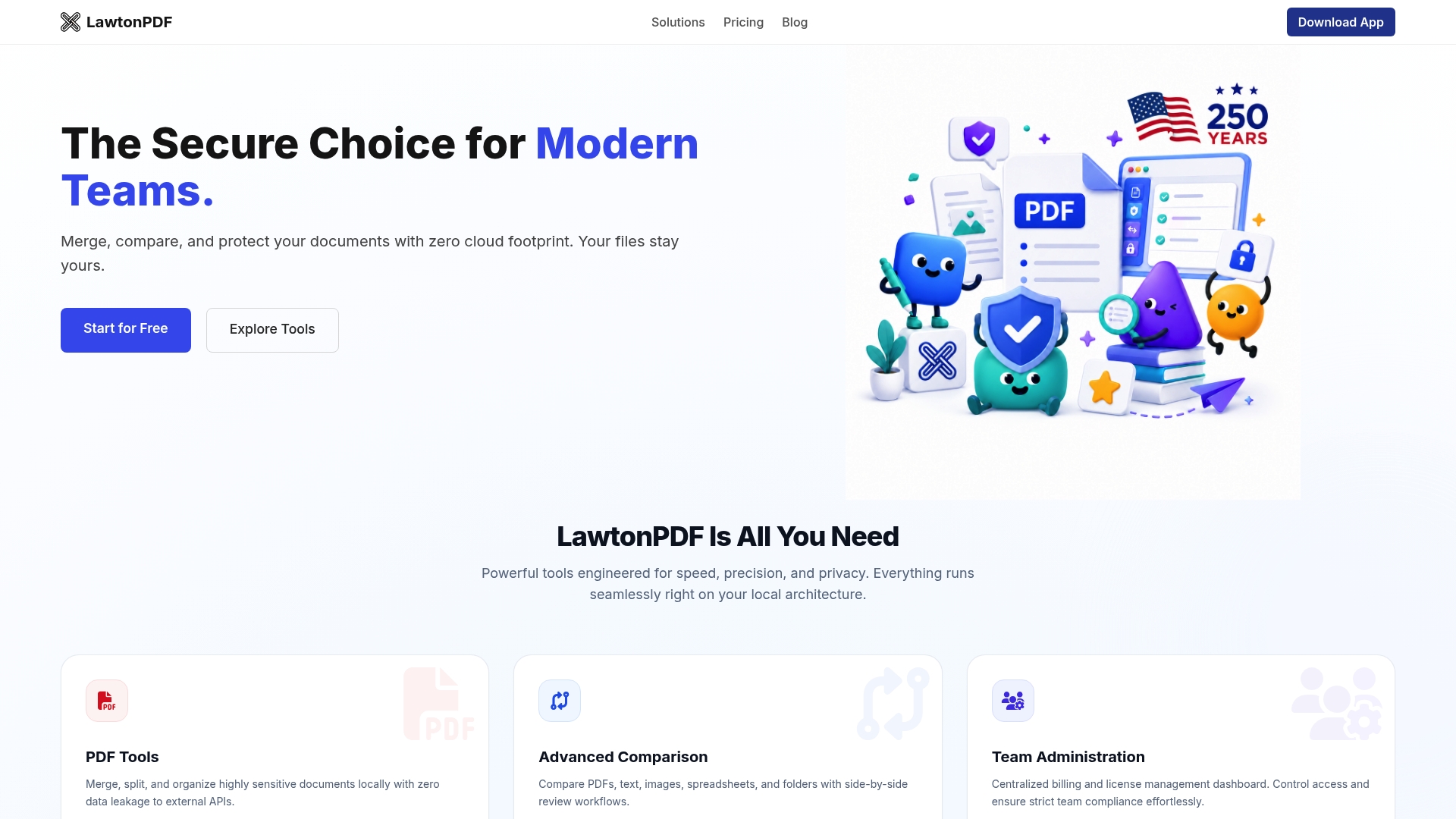
Choose Lawtonpdf to keep files inside your network while improving productivity. Visit Lawtonpdf today and secure your sensitive document processes with Local Engine technology.
FAQ
How does Lawtonpdf keep sensitive files secure?
LawtonPDF processes documents locally using its Local Engine, so files remain on your computer instead of being uploaded to cloud services for processing. This local-first approach helps organizations maintain greater control over sensitive documents and supports privacy-focused workflows.
What is the difference between Docsvault and Lawtonpdf?
Docsvault is a document management system with workflow and document lifecycle capabilities, while LawtonPDF focuses on local document processing, PDF tools, and advanced document comparison. Organizations that prioritize keeping document processing on local systems may find LawtonPDF a better fit for privacy-sensitive workflows.
Can LawtonPDF be used in regulated industries?
Yes. LawtonPDF is designed for organizations that handle confidential information, including legal, healthcare, finance, and government sectors. Because documents are processed locally rather than uploaded for cloud processing, it can support organizations with strict privacy and security requirements as part of their overall compliance strategy.
Does LawtonPDF support team management?
Yes. LawtonPDF offers team features such as centralized license management and administrative controls, allowing organizations to manage users and subscriptions from a single location.
Can I use MSB Docs if my organization needs deep regulatory compliance?
MSB Docs supports a wide range of regulatory standards, including HIPAA and GDPR. For organizations that prioritize cross-border regulatory compliance, MSB Docs’ features would be advantageous. However, if local data processing is a must for your workflows, consider Lawtonpdf as a robust option.
Can I use LawtonPDF without an internet connection?
Yes. LawtonPDF supports offline document processing, allowing users to compare and manage documents without requiring an active internet connection. This makes it well suited for secure or restricted environments where cloud-based processing is not permitted.