Comparing and securely managing confidential documents without exposing them to unnecessary cloud processing or third-party systems can be challenging. Many solutions rely on cloud-based services, require subscription-based deployments, or offer limited transparency around on-premises options and pricing. This comparison examines three alternatives to Beyond Compare, helping organizations evaluate document comparison and management tools based on privacy, deployment model, features, and overall fit for their workflow and security requirements.
Table of Contents
LawtonPDF
At a Glance
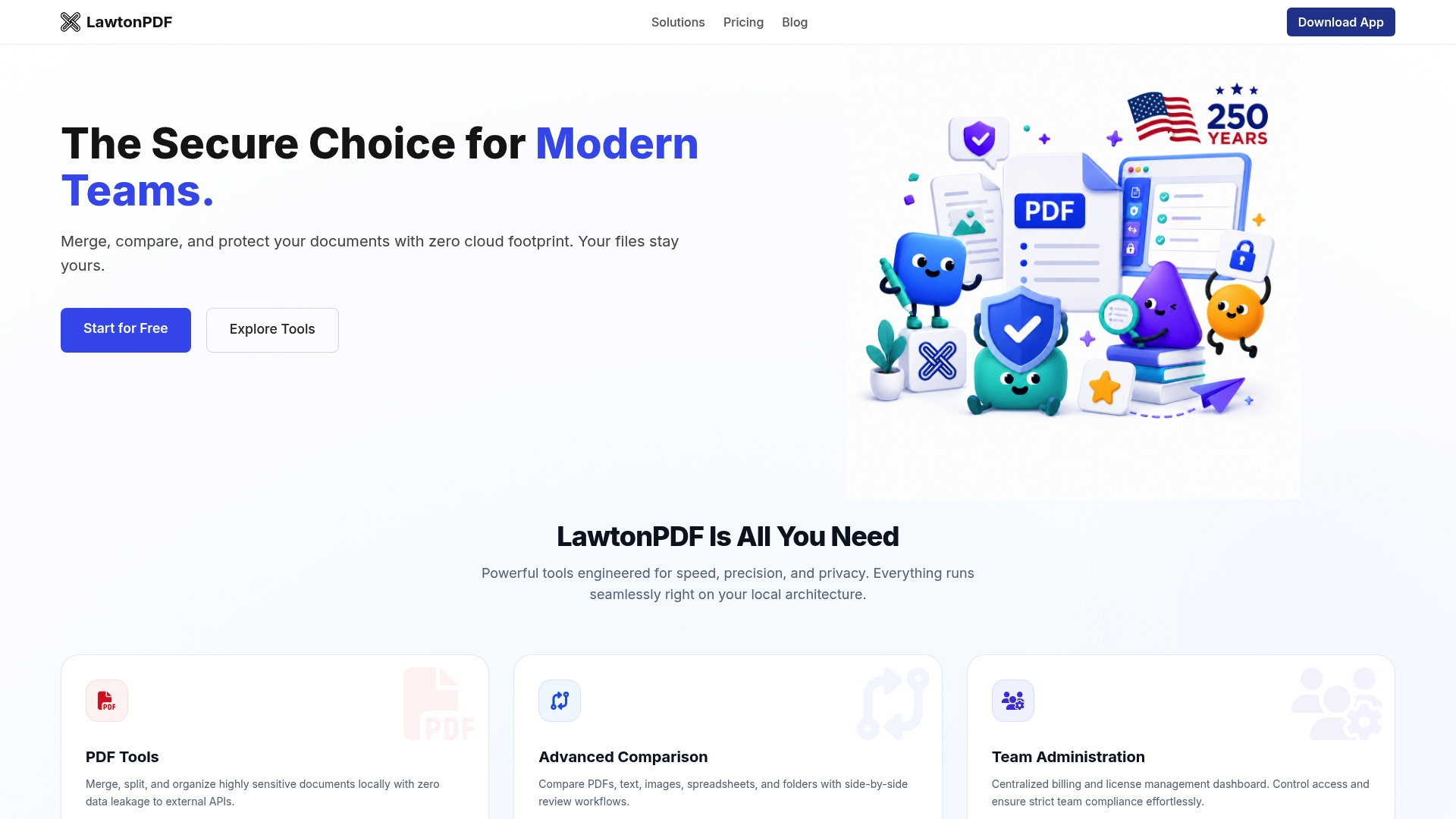
LawtonPDF processes documents locally using its Local Engine, creating a privacy-focused workflow that does not require cloud-based document processing. Designed for legal, finance, healthcare, research, and other security-conscious organizations, it combines PDF tools, advanced document comparison, and centralized team management in a Windows desktop application.
Core Features
LawtonPDF performs PDF editing and document comparison locally on your computer. Users can merge, split, organize, protect, and compare PDFs, text files, images, spreadsheets, and folders without relying on cloud-based processing. Team features include centralized license management and administrative controls for managing users and subscriptions.
Key Differentiator
LawtonPDF's Local Engine processes documents entirely on your own systems instead of external servers. This local-first architecture helps organizations maintain greater control over confidential documents while reducing the risks associated with cloud-based document processing.
Pros
-
Local document processing with no cloud-based document processing required.
-
Compare PDFs, text, images, spreadsheets, and folders in a single application.
-
Includes PDF tools such as merge, split, password protection, and page organization.
-
Centralized team licensing and administrative management.
-
Supports offline operation.
Cons
-
Requires installation on local Windows computers.
-
Does not provide browser-based access like cloud document management platforms.
Who It’s For
Teams and organizations that cannot or will not upload sensitive documents to third-party servers will find LawtonPDF relevant. Typical users include law firms, financial compliance teams, healthcare records groups, and research labs that require local processing and strict access control.
Unique Value Proposition
LawtonPDF combines comprehensive document comparison with a privacy-focused, local processing model. Organizations can evaluate the software using the free tier before upgrading to Plus or Business plans that add team management, centralized licensing, and priority support.
Real World Use Case
A law firm stores discovery materials on its network and uses LawtonPDF to merge client documents, run side-by-side contract comparisons, and apply password protection before distributing drafts. Administrators manage seats and access centrally while all file operations remain inside the firm’s infrastructure.
Pricing
LawtonPDF offers a free plan along with paid Plus and Business subscriptions. Paid plans include unlimited usage, team management features, centralized licensing, and priority support.
Website: https://lawtonpdf.com
Draftable
At a Glance
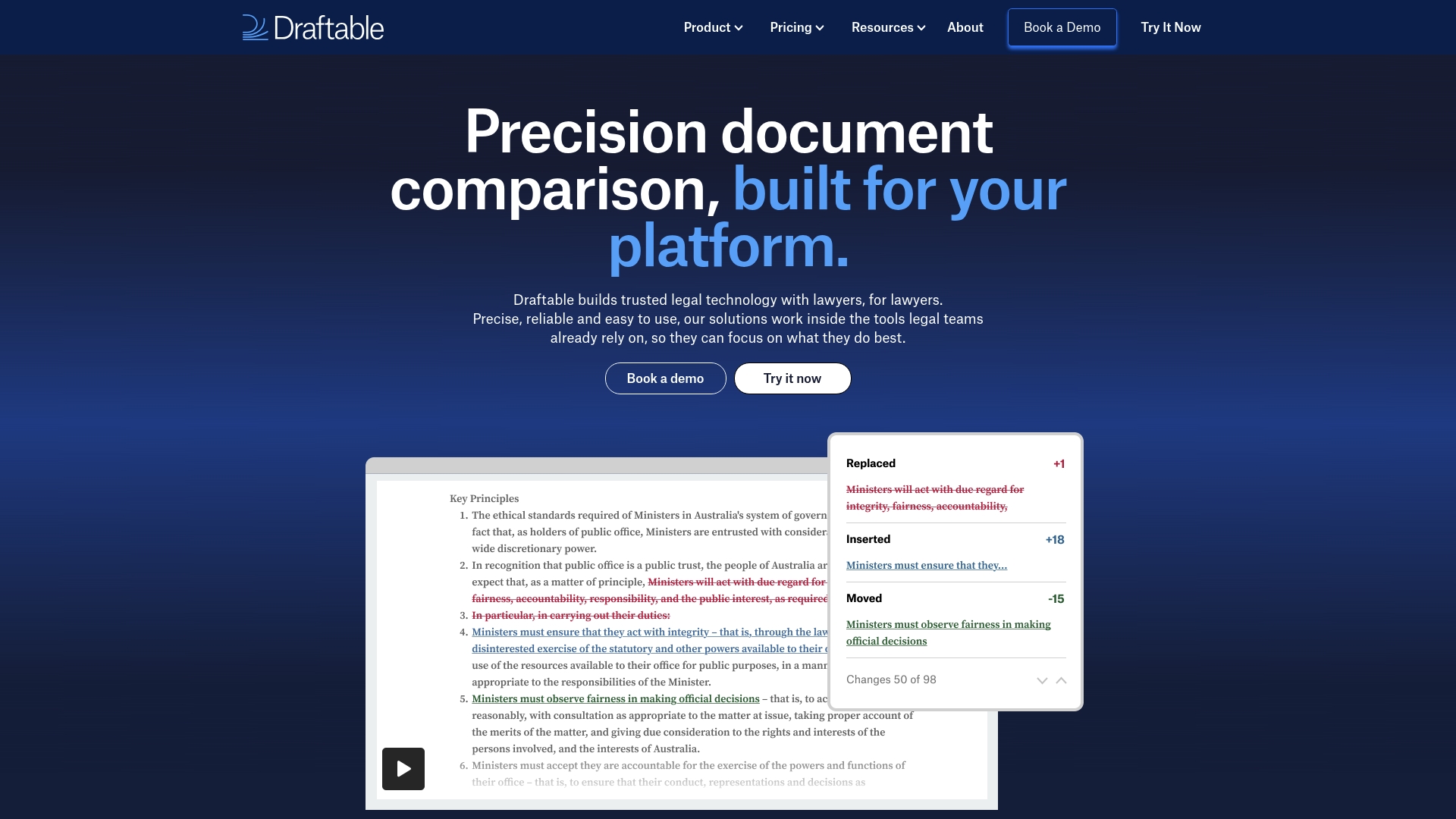
Draftable reports being trusted by 1,500 organizations globally. It compares Word, PDF, PowerPoint, Excel, and text files via desktop app, online tool, or API. Legal teams and developers use it to spot edits and export comparison reports.
Core Features
Draftable provides side by side comparison with synchronized scrolling and color coded highlights for insertions, deletions, and moves. It supports scanned PDFs and plain text and exports results to PDF for record keeping. Delivery options include a desktop application, an API, and an online tool.
Key Differentiator
Draftable’s edge is deep integration with legal workflows and broad format support, including scanned PDFs and plain text. That focus fits law firms and document heavy organizations that need format fidelity and integration into document systems. Compared with Lawtonpdf, Draftable centers on workflow connectors rather than local only processing on client hardware.
Pros
Comparisons run quickly and tend to flag subtle edits, which saves time during contract reviews. Support for Word, PDF, PowerPoint, Excel, scanned PDFs, and plain text cuts format conversion work. Integrations with iManage, NetDocuments, SharePoint, and Worldox let teams keep documents inside existing repositories. Cloud and on premise deployment options are available to match common legal security requirements.
Cons
-
Limited long form public reviews make independent validation of scale harder.
-
Specifics for on premise deployment require contacting sales, which slows evaluation for tight procurement timelines.
-
Advanced automation or API setups may demand developer time and configuration.
-
Pricing is not listed publicly, which may deter smaller teams seeking immediate cost clarity.
When It May Not Fit
Not a good fit for small teams that need transparent, self serve pricing. Also avoid if you require a strictly local only engine that never touches external services. Expect developer involvement for heavier automation or custom integration work.
Notable Integrations
Draftable connects to legal content systems and office suites. Integrations include Microsoft Office, iManage, NetDocuments, SharePoint, Worldox, and Epona 365.
Who It’s For
Legal teams, corporate counsel, and document reviewers looking for fast, format aware comparison will find Draftable useful. Developers who need an API to automate diff checks will also benefit. IT staff managing deployments benefit from connector support.
Real World Use Case
A law firm compares multiple contract drafts to catch clause edits before signing. A software company uses the API to insert automated diff checks into client workflows. That setup reduces manual review chores for busy teams.
Pricing
Pricing is subscription based with separate pages for Draftable Compare and Draftable Clean. Enterprise discounts are available and specific figures require contacting sales. This model can slow evaluation for smaller or occasional users who want immediate pricing.
Website: https://draftable.com
Dociq
At a Glance
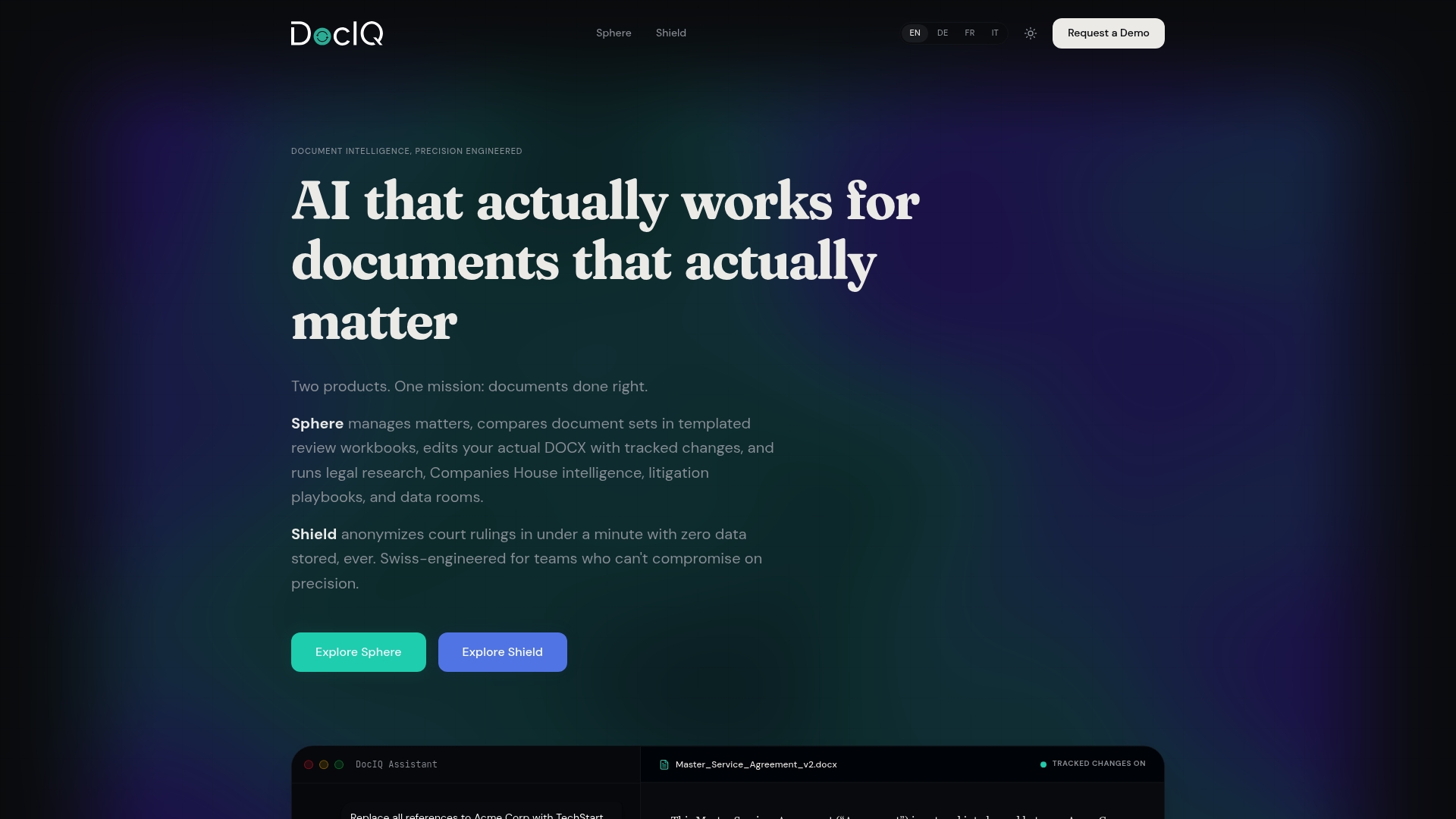
Zero data persistence paired with Swiss engineered, on premise and air gapped deployment options keeps sensitive legal files off external clouds. The product targets high confidentiality workflows such as court document anonymization and secure data rooms. This design appeals to courts, government agencies, and law firms that must preserve document provenance and audit trails.
Core Features
Sphere supports Word native tracked changes and OOXML level editing so edits keep original structure and metadata. The platform includes legal research inside document workflows, a clause bank with jurisdiction tagging and variant generation, and playbooks for automated review and drafting. It also offers secure data rooms, AI classification and redaction, REST API and MCP server integration, and multi format support including DOCX and PDF.
Key Differentiator
The system works at the OOXML level to preserve document structure and meaning. That low level editing reduces format drift when converting between versions and helps maintain legally defensible edits and metadata. For teams that need edit integrity tied to case files, this is the primary technical advantage.
Pros
High precision editing preserves Word styles, tracked changes, and document structure so contract language remains auditable. Local and on premise deployment options give teams full control of data custody and allow air gapped setups for extra privacy. Integrated legal research, clause management, and playbooks reduce context switching during drafting while audit trails and version control support compliance and dispute defense.
Cons
-
Complexity of features may require dedicated training or onboarding for drafting teams and support staff.
-
Premium deployment options such as on premise and air gapped setups require infrastructure and operational investment.
-
Pricing is not publicly listed and appears tailored to enterprise customers, which may hinder quick buy decisions.
When It May Not Fit
Small practices without IT staff or budget for on premise infrastructure will find the deployment model heavy. Teams that prefer quick cloud subscription signing and self service onboarding may find procurement slower. Organizations that need transparent, per seat public pricing will need to request a bespoke quote.
Notable Integrations
-
REST API for automation and document exchange with existing systems.
-
MCP server for AI agent integration and workflow orchestration.
Who It’s For
Legal teams in law firms and corporate legal departments requiring precise, structured document management and strong privacy controls. Courts and government agencies that publish or anonymize judgments will also benefit from the local deployment options. The product fits organizations that treat edit integrity and auditability as operational requirements.
Real World Use Case
A Swiss law firm uses Sphere to draft, review, and compare contracts with integrated legal research and clause generation. The same firm runs Shield to anonymize court judgments before publication, preserving legal defensibility and compliance with local standards. That combination keeps collaboration internal while preserving traceability for audits.
Pricing
Not publicly listed. Contact the vendor for enterprise pricing and deployment options; quotes vary by on premise needs and the scope of playbook or data room configuration. Expect pricing to reflect infrastructure and integration complexity rather than a simple per seat license.
Website: https://dociq.io
Comparison of alternatives
Organizations prioritizing strict local document processing can find LawtonPDF as a distinct alternative compared to competitors offering hybrid solutions.
Processing Strategy
LawtonPDF’s local-only processing advantage makes it ideal for organizations that prioritize not transmitting sensitive information to external services. Draftable offers versatile deployment options including cloud and on-premise but relies on external systems for advanced functionality. Conversely, Dociq supports air-gapped setups that isolate operations entirely but demands significant infrastructure investment to enable these features.
Advanced Legal Integration
Dociq integrates cutting-edge editorial technology tailored for legal workflows, including OOXML-level document management and integrated legal research for drafting precision. For law firms and legal bodies working with highly structured documents, its capabilities provide advantages that exceed the offerings of both LawtonPDF and Draftable, albeit alongside steeper resource requirements.
Best fit
-
Teams needing centralized, local-only file processing for enhanced confidentiality should opt for LawtonPDF.
-
Firms involved in contract drafting and research that demand metadata preservation and case file editing benefit most from adopting Dociq.
-
Small teams and individual users requiring self-service pricing and incremental feature access may find Draftable significantly more convenient.
Our pick
LawtonPDF presents the choice for organizations prioritizing local document processing and stringent file security. Processing everything on customer hardware ensures sensitive data remains within internal networks. However, organizations prioritizing in-depth legal drafting features may consider Dociq for its superior specialization in legal workflows. This delineation underscores how user priorities shape the selection among these alternatives.
For organizations seeking robust on-premise document management solutions, here is a comparative table of leading vendor options based on their unique offerings and applicability.
| Product | Core Feature | Key Differentiator | Best For | Pricing | Notable Limitation |
|---|---|---|---|---|---|
| LawtonPDF | Local-first document processing | Entirely local processing, no cloud use | Compliance-driven, privacy-centric teams | $19–$25/month per user | Requires sufficient local hardware for large operations |
| Draftable | Side-by-side document comparison with broad format support | Workflow integration with legal ecosystems | Legal teams needing remote/cloud features | Price not published | Advanced setups may require developer resources |
| Dociq | Secure, structured document workflows | OOXML level manipulation and secure data custody | Enterprises requiring highly structured files | Price not published | May require significant onboarding and IT investment |
How to Choose Secure Beyond Compare Alternatives for Sensitive Document Workflows
Organizations handling confidential documents in legal, finance, healthcare, research, and other privacy-sensitive industries should consider where document processing takes place. Solutions that process files locally can help organizations maintain greater control over sensitive information by avoiding the need to upload documents to external services for processing.
LawtonPDF uses its Local Engine to perform PDF tools and document comparison directly on your computer. Users can merge PDFs, compare contracts, organize pages, apply password protection, and review text, images, spreadsheets, and folders while keeping document processing within their own environment. Combined with centralized team management, LawtonPDF provides a practical solution for organizations that prioritize privacy, security, and local document workflows.
Learn more about LawtonPDF and its privacy-focused document comparison tools at Lawtonpdf official website
FAQ
How does Lawtonpdf prioritize data security?
Lawtonpdf ensures data security by processing all document operations on client hardware, preventing external cloud access. This local-first workflow minimizes the risk of data breaches typical in cloud-based solutions. Users can confidently manage sensitive files without exposing them to third-party servers.
What is the difference between Draftable and Lawtonpdf in supporting file formats?
Draftable supports comparison of Word documents, PDFs, and other common office formats, making it a popular choice for document review workflows. LawtonPDF also provides broad comparison capabilities, allowing users to compare PDFs, text files, images, spreadsheets (Excel), and entire folders in addition to its PDF tools. Unlike cloud-based services, LawtonPDF processes documents locally using its Local Engine, making it well suited for organizations that prioritize privacy, security, and keeping document processing on their own systems.
Can I manage user access centrally with Lawtonpdf?
Yes, Lawtonpdf includes centralized team administration features that let administrators manage licenses and access on-premises. This capability supports compliance needs and offers control over document handling within organizations. Expect user management to be straightforward for growing teams and sensitive file environments.
How does Dociq’s unique editing capabilities compare to Lawtonpdf?
Dociq offers high-precision editing at the OOXML level, preserving document structure and meaning during edits. While Lawtonpdf provides secure, local processing, it does not focus on maintaining document integrity to the same extent, making Dociq more suitable for teams needing detailed edit tracking and structure preservation.